

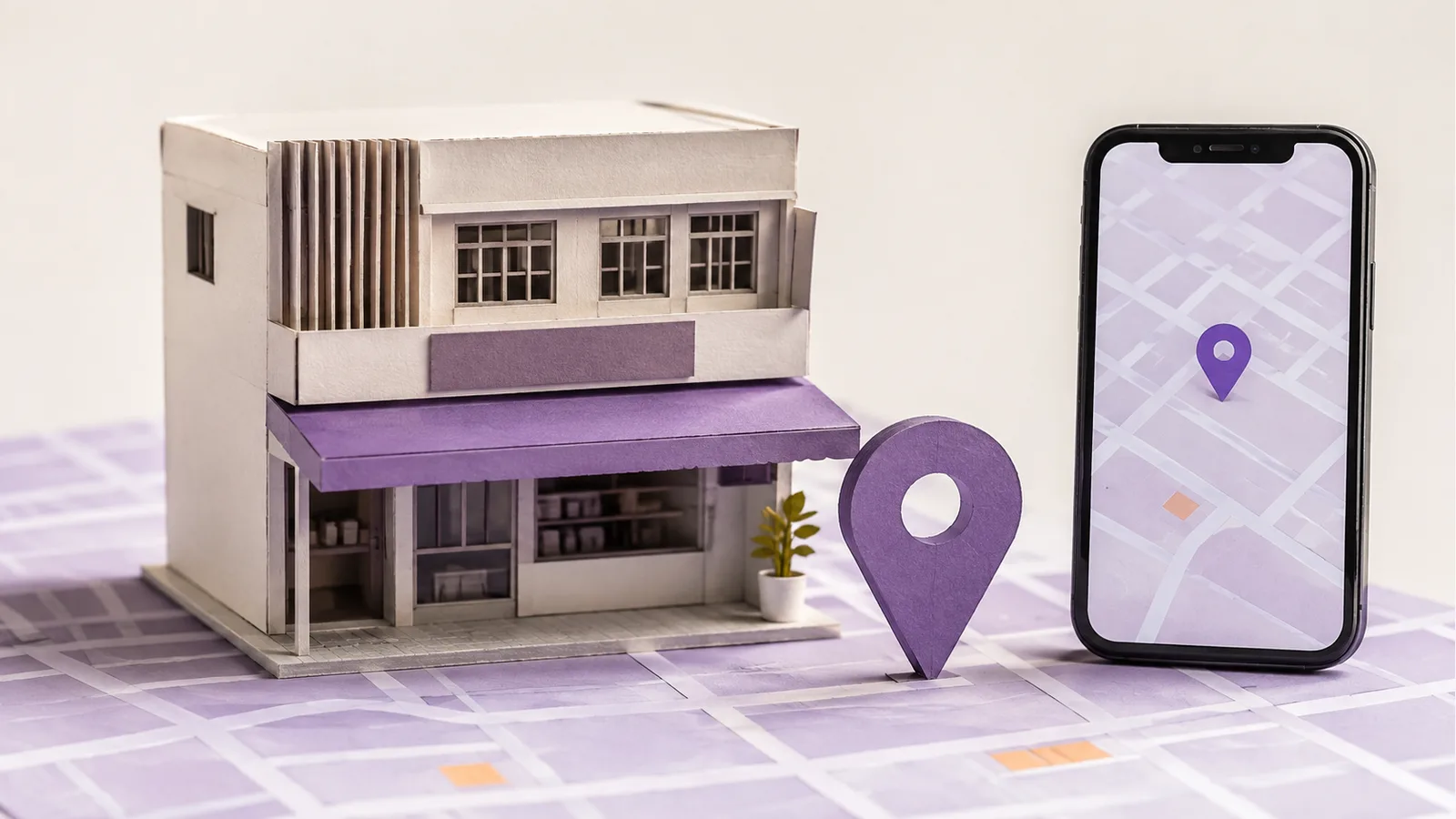
Imagine a beauty business with one staffed salon in Kuala Lumpur and another in Petaling Jaya. A customer needs to know which branch can provide a treatment, when it is open and how to book. Multi-location SEO starts with those operational facts, then keeps each eligible Google Business Profile, website page and contact path consistent.
What Is Multi-Location SEO?
Multi-location SEO is the work of helping people find and contact the right branch of a business in local search. Its starting point is the branch, not a city-name keyword. Public information should match what that branch actually does.
A place where customers visit is different from a town served by a travelling team. Do not treat every service area as another store. The local landing pages guide explains when a separate website page for a place helps.
First, Confirm Which Locations Are Real and Eligible
List each branch's address, customer-facing hours, services, booking route and local contact. For the hypothetical salons, the Kuala Lumpur branch might offer treatments that Petaling Jaya does not. The pages and profiles should show that difference only if the business can actually deliver it.
Google Business Profiles are for eligible real-world operations. A virtual office or unstaffed room is not a new branch. A service-area business with separate staff and service areas at different bases may qualify for separate profiles, but a list of towns served by one team does not justify a profile for every town. Check the Business Profile setup guide before adding a location.
Map Each Branch to Its Profile, Page and Contact Path
Make a simple location register. Give each branch one row with its operating name, address or hidden-address service area, hours, services, profile owner, website URL and number or booking route. Use it to catch mismatches before publishing.
If a branch has distinct details that affect a visit or booking, give it a useful page: what is available there, where it is if visits are welcome, when staff are available and how to book. A locations overview can link to both salon pages. Point each eligible profile to the most relevant page for that branch. A shared page is acceptable if it clearly lets customers choose the right location.
Keep the business name accurate rather than appending keywords or neighbourhoods that are not part of its real-world name. Update third-party listings when a branch's details change; the business data guide covers that check.
Give Every Location a Person Responsible
One central team can manage brand-wide standards, while a branch contact confirms hours, temporary closures, service availability and replies to enquiries. Record who can edit profiles and pages, and who approves changes. Do not pass one shared login around the organization.
Google's Business Profile Manager can group and manage multiple profiles. For a small set of branches, verify eligible profiles individually; bulk verification has separate eligibility criteria. Use a business group when shared management is useful.
Test the Journey for Each Branch
- Search and compare. Open each profile and its linked branch page. Check name, address or service area, hours and available services against the location register.
- Follow the booking path. From a phone, call or submit an enquiry and confirm it reaches the intended branch.
- Check changes at both ends. When a branch changes hours or moves, update its website page, profile and important third-party listings together.
- Review the outcome. If the business records enquiries by branch, compare them with visits or contact actions. A profile view is not an appointment.
The Malaysia local SEO guide places this branch-level work in the wider plan. The final test is whether a customer reaches the intended team.
Frequently Asked Questions
Can One Google Business Profile Cover Multiple Locations?
One account can manage several profiles, but each profile should represent one eligible real-world location. Do not put two staffed branches under one inaccurate address or create duplicate profiles for one branch.
How Do You Add Multiple Locations to Google Business Profile?
Confirm each location's eligibility and facts, create or claim its profile, then manage the profiles individually or together through Business Profile Manager. Bulk verification has separate criteria and is not required just because a business has two branches.
Does Every Service Area Need a New Profile?
No. A travelling business with one base and one team should describe its actual service area on its eligible profile, rather than opening a profile for every town. Separate locations with separate staff and service areas may qualify for their own profiles under Google's rules.
Should Every Branch Profile Link to the Same Homepage?
Use the most helpful page for that branch. Link to a useful branch page when one exists; otherwise make sure a shared page routes customers to the correct location.