

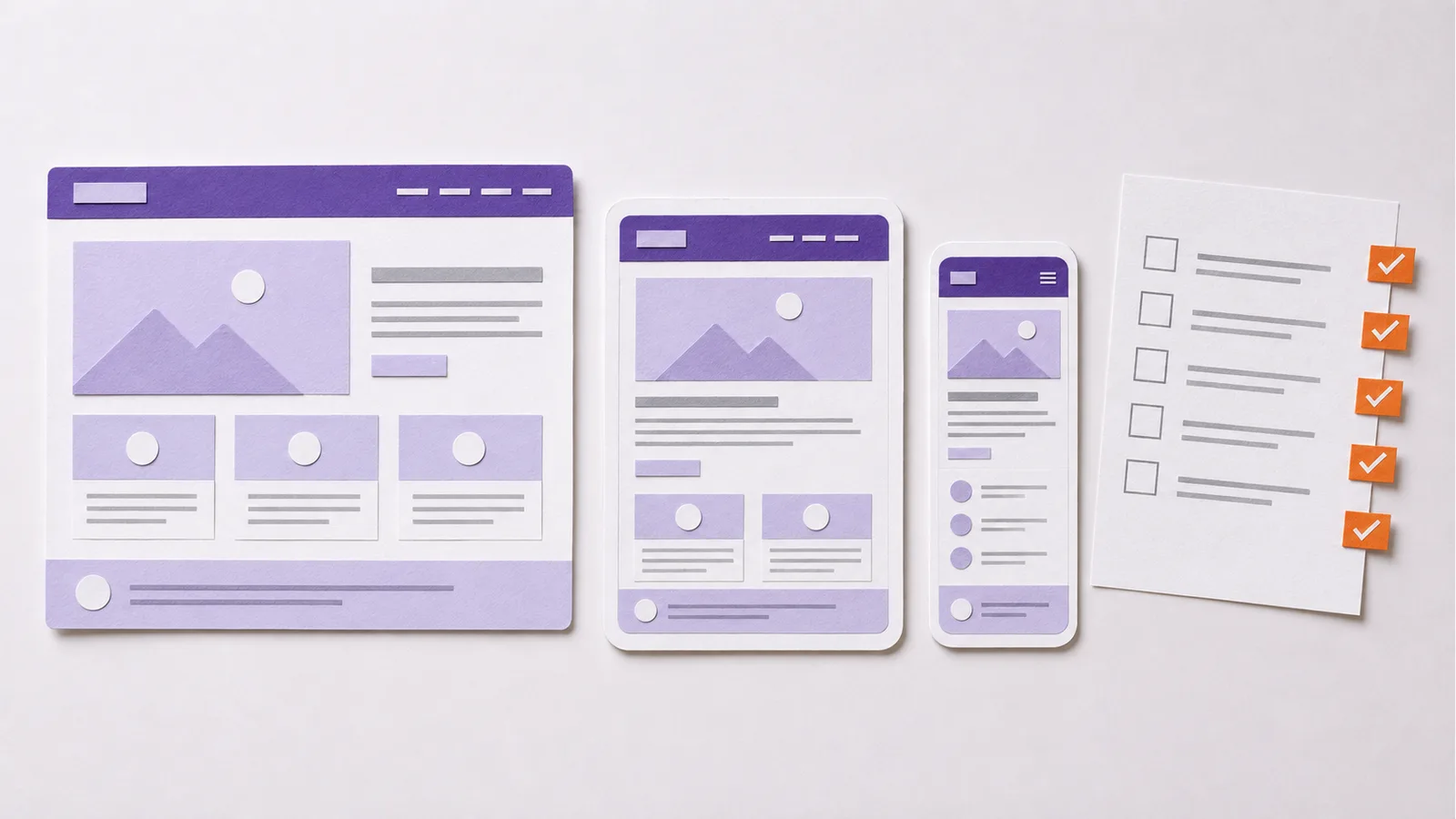
You can publish a website without writing code, but a working site needs more than a template: a clear purpose, useful pages, a reliable contact path and someone to maintain it. This guide follows a hypothetical Malaysian air-conditioner repair business from planning to launch; it is not a client case study.
What Do You Need to Create a Website?
You need a domain name, a place to host the site, a way to build and update pages, content and a plan for ongoing maintenance. A domain is the address; hosting serves the files or application; the platform is the editing and publishing system. They may be bundled by one provider, but they are different decisions. Before choosing a tool, decide what the site must help visitors do.
Step 1: Define One Main Goal
An air-conditioner repair site might need qualified service inquiries, not a large blog on day one. Write a single success action: “A visitor can understand the service area and request a diagnostic visit.” A shoe retailer would have a different action: helping a shopper find the right size and complete an order.
List only the features needed. A brochure site may need pages and a form; a store needs products, stock, payments and order handling. Skip accounts if nobody needs to log in.
Step 2: Identify the Visitor’s Questions
Imagine the repair customer arriving with a unit that is not cooling. They want to know where the business works, which units it handles, whether inspection has a fee and how quickly they can request help. Collect these questions before writing page titles. For a beauty salon, first-visit process and booking policies may matter more than technical specifications.
Separate questions by intent. “Why is my air conditioner leaking?” may need an explanatory article; “aircon repair in Petaling Jaya” needs a service page with a real service area and booking route. Our search intent guide explains that difference.
Step 3: Plan the Smallest Useful Page Map
Start with a homepage, relevant service or product pages, an about page and a contact page. Add locations only if the business genuinely serves them and can provide distinct local information. The repair business might have separate pages for repair, maintenance and installation when the work, pricing or customer questions differ. Do not create near-identical city pages just to repeat a place name.
Sketch the route from each page to the next useful step. A repair guide can link to a matching service page; a service page can lead to contact. Navigation labels should name what visitors will find. See our website structure guide for deeper planning.
Step 4: Choose a Platform and Hosting Model
A hosted website builder can combine templates, editing and hosting. WordPress offers a content system and a broad plugin ecosystem, but its hosting, updates and plugin choices need management. A coded static site can be fast and controlled, but content edits may require a developer or an editing workflow. Choose based on who will maintain the site, required features, budget and portability—not a fashionable tool name.
Ask who owns the domain and hosting account, whether content can be exported and what happens when the provider or developer changes. For an online shop, verify payment, tax, stock, shipping and return workflows before committing to a platform. There is no need to buy a VPS simply because you are making a website.
Step 5: Register the Domain and Configure Basics
Choose a short, recognisable domain the business can keep under its own account. Connect it to hosting according to the provider’s instructions, enable HTTPS and set up an email address if the site needs one. Keep access details in a controlled place, enable available account security features and decide who can renew the domain. A missed renewal can make the site unavailable regardless of its design.
Step 6: Write the Core Pages Before Polishing Design
For each page, write a descriptive heading, an opening that answers the visitor’s question, the facts needed to decide, and one clear next step. On the air-conditioner service page, specify the area, unit types, what an inspection covers and how a quote is confirmed. Avoid invented testimonials, guarantees or service coverage.
Use actual photos or clearly identified illustrations when available, compress files and write useful alternative text. Do not bury the only contact method inside an image. A template helps present the answer; it cannot supply facts about the business.
Step 7: Build for Phones and Real Tasks
Use the design system consistently: readable type, sufficient contrast, clear buttons and navigation that works by touch and keyboard. Build the core path first. A customer should be able to find the service area, read the conditions and send an inquiry on a phone without zooming or horizontal scrolling.
Forms should request only necessary information and provide a clear success or error state. If a phone or WhatsApp link is offered, verify the number and device behaviour. Test a slow connection before adding heavy motion or video that could delay the answer.
Step 8: Check the Site Before Launch
Click every important route, button and form on desktop and mobile. Verify prices, hours, service areas, images and published policy text with the business owner. Test a real form submission to a controlled inbox and confirm what happens when it fails. Check that the public site uses HTTPS and that private draft pages are not exposed.
Read the pages as a new customer. If the service scope or area is unclear, fix the copy before polishing visual details. Our new-website SEO guide covers further discovery checks.
Step 9: Publish, Measure and Maintain
After launch, check that important pages load, the domain resolves correctly and inquiries arrive. Set up appropriate search and analytics tools if useful, then look at meaningful outcomes such as qualified inquiries or completed orders—not pageviews alone. Submit a sitemap when the platform provides one, but do not treat submission as an indexing guarantee.
Assign someone to update prices, stock, hours and policies. Keep software and backups current where your hosting model requires them. A small accurate site is more useful than many stale pages.
Frequently Asked Questions
Can You Create a Website for Free?
You can start with a free plan or free hosting, but it may limit the domain, features, branding or support. Check the ongoing costs of the domain, hosting, email, payment processing and maintenance before choosing a plan.
Is It Free to Own a Website?
Usually not if you want your own domain and reliable ongoing operation. Costs vary with hosting, features and who maintains the site; a free builder plan does not remove every future expense.
Do You Need to Know How to Code?
No. A hosted builder or content management system can publish a basic site without hand-writing code. Coding may offer more control for custom behaviour, but the platform still needs accurate content, testing and maintenance.