





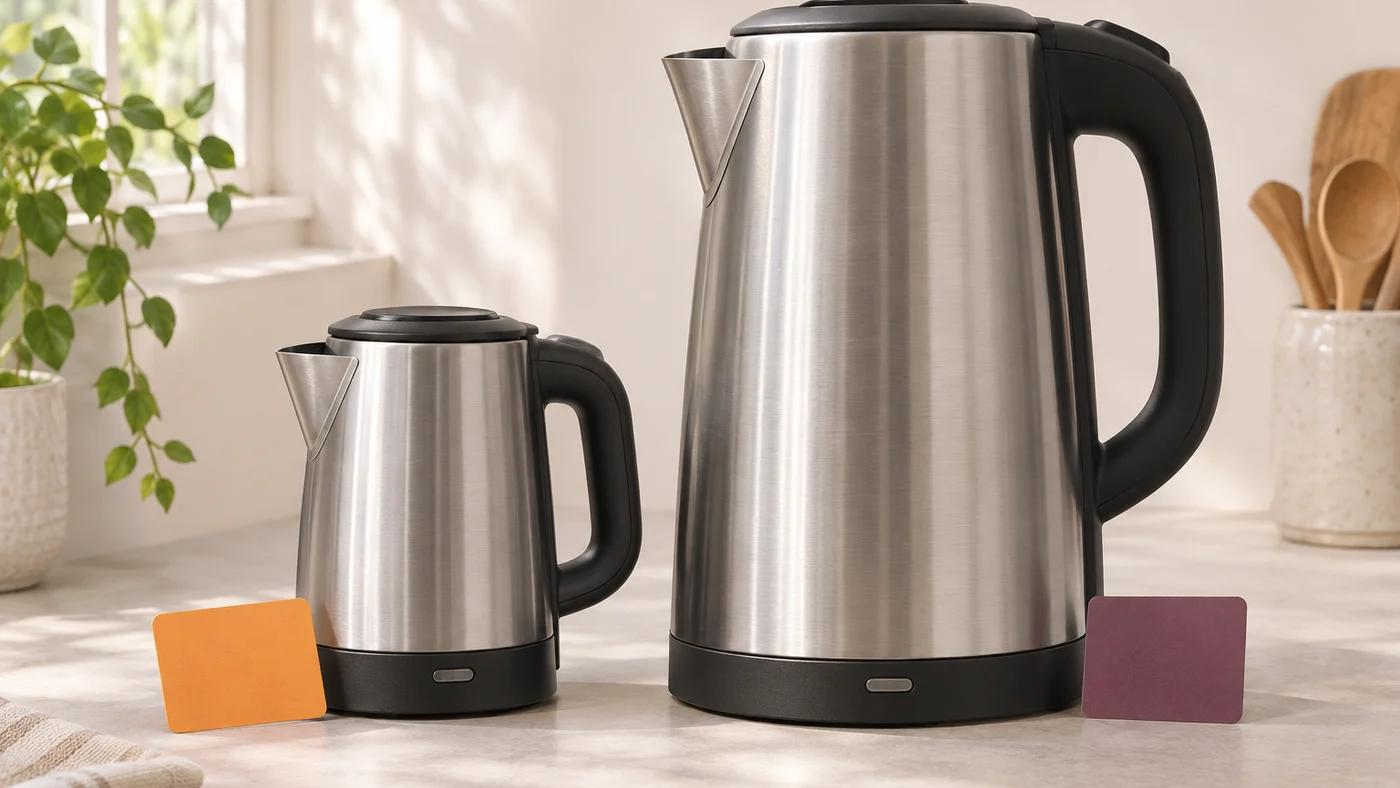

Two kettles share a brushed-steel housing, but one holds 0.8 litres and the other 1.7. If the Family model still says 0.8 L after a shopper selects it, start by checking which record supplies the capacity.
Choose the owner of each fact
Put a shared specification such as housing material on the product if it is true of every variant. For a specification that varies, define the metafield on variants and fill in each applicable variant. In this worked example, both metafields contain simple text.
Read the selected variant in Liquid
{% assign selected = product.selected_or_first_available_variant %}
Material: {{ product.metafields.custom.housing.value }}
{% if selected.metafields.custom.capacity.value %}
  Capacity: {{ selected.metafields.custom.capacity.value }}
{% endif %}
We rendered these lookups in Liquid 5.5.0 using three fictional variant records and a shared product record. The Reserve variant had no capacity value. Each selection was a separate render. To verify a shopper’s in-page switch, test the actual theme as described below.
| Selection | Product housing | Variant capacity displayed |
|---|---|---|
| Travel | Stainless steel | 0.8 L |
| Family | Stainless steel | 1.7 L |
| Reserve | Stainless steel | Capacity line omitted |
Check the storefront when the selection changes
Load the Travel variant and note the 0.8 L line. Select Family without refreshing and look for 1.7 L. Then select Reserve: the capacity line should disappear while the shared housing stays visible. Finally reload the Family variant’s direct URL. If that page is correct but the in-page switch is stale, inspect the theme’s variant update rather than editing valid product data.
A theme setting can connect to a compatible dynamic source when the theme supports that setting and resource. If the expected source is unavailable, inspect the section’s supported inputs. The variant URL guide covers direct variant links. For the shared product name and search title, see Shopify product titles.
Frequently asked questions
Should I copy the same material to every variant?
Keep a single shared value on the product when it applies to all variants. If a future model has a different material, revisit the field owner.
What should I show when one capacity is missing?
Omit the capacity line or use an explicit availability message. Copying another variant’s value gives customers a specification you have not verified.
Why does the value change only after a reload?
The first render and the theme’s variant-change interaction are separate. Check whether choosing a variant updates the specification block along with price and stock.