






You can keep a short product name on a Shopify storefront and use a more descriptive SEO title for its page. Start with the field you actually want to change, then check the rendered product page.
Identify the two title fields and the handle
On Shopify’s public Dawn demo, the Louise Slide Sandal page showed that product name as its visible product heading. The HTML title added the demo store name. The canonical URL ended in /products/louise-slide-sandal. This check covered the three public outputs. The demo’s saved admin fields were outside the check.
Make an SEO-only edit on one product
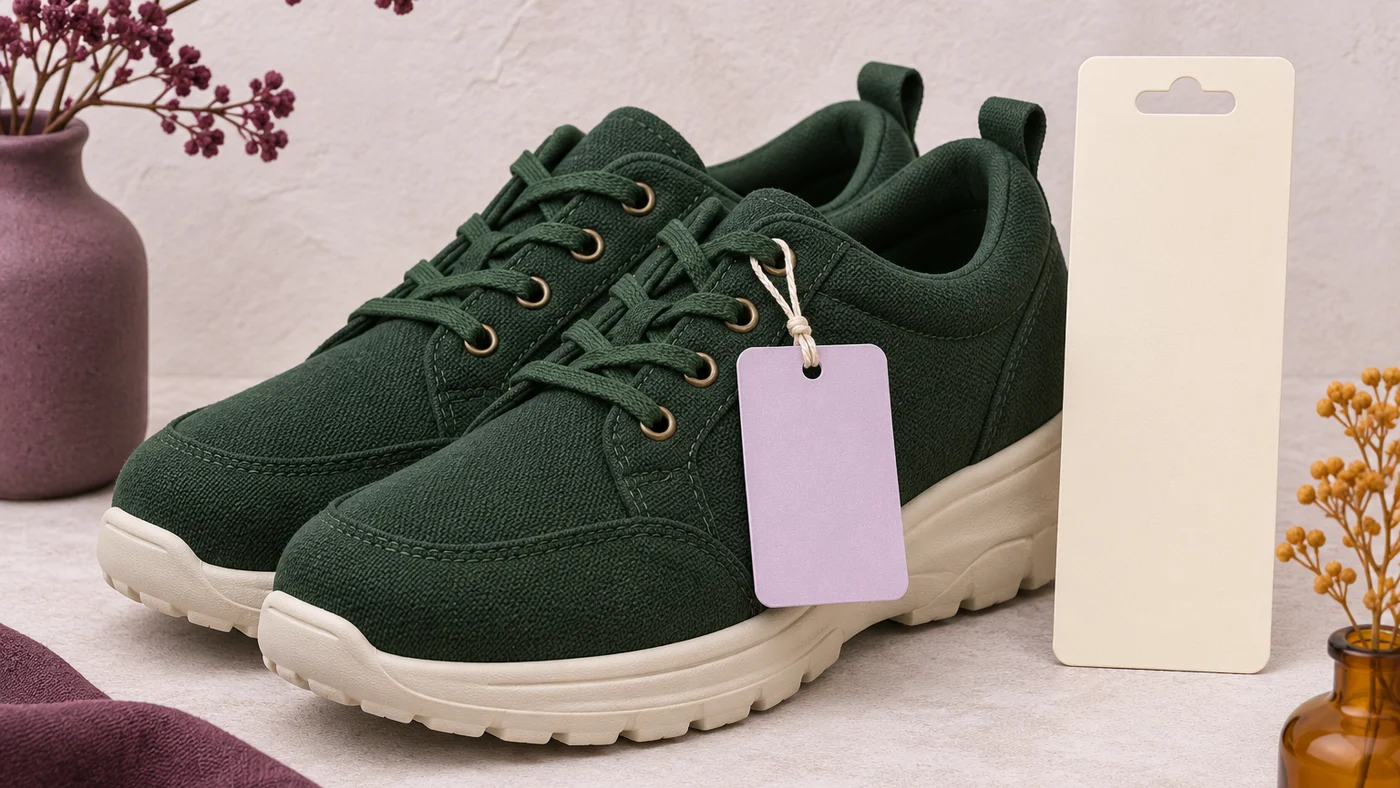
Consider a worked example for a Malaysian shoe shop. Its product heading is “Taman Canvas Sneaker”. If the material is verified and useful to shoppers, “Taman Canvas Sneaker | Cotton Canvas Walking Shoes” adds a concrete detail while keeping the product name recognisable.
- Open Products in Shopify admin and select the product. Record the existing product name and the public address.
- In Search engine listing, click the pencil and edit Page title. Leave the product title and URL handle alone. Save.
- Open the public product page. Compare its visible product heading, address and
<title>in the page source. The heading and address should stay the same when only this field changes.
Diagnose which title failed to update
If the HTML title still shows the old wording, confirm that the edit saved for the same product and that you are viewing the right store language. Dawn can add the store name as a suffix. If the old product wording itself remains, check how the active theme or an SEO app writes the HTML title.
If the source looks right and Google shows different words, check the title tag guide. Shopify’s preview shows a possible result. Google generates its own title link and can use other page signals, including the main heading. If you actually need a different URL, follow the Shopify product URL redirect guide.
Frequently asked questions
Do my product name and SEO title have to match?
They can differ. Keep the core product identity consistent so shoppers recognise the same item when they land on the page.
Does the Shopify page title affect SEO?
It gives search engines a clear description of the page and is one source Google can use for its title link. Keep it specific to the product.
Will changing the SEO title change the product URL?
Editing the Page title alone leaves the separately configured URL handle in place. Always reopen the product URL after saving.
| Admin field | What to check on the storefront |
|---|---|
| Product title | The product’s displayed name, commonly the main heading on the product page. It also supplies the default title when no SEO override is set. |
| Search engine listing → Page title | The HTML page title, typically used by the theme in the head. It can differ from the product heading. |
| URL handle | The last part of the product path. Keep it when the task is only to improve the SEO title. |