





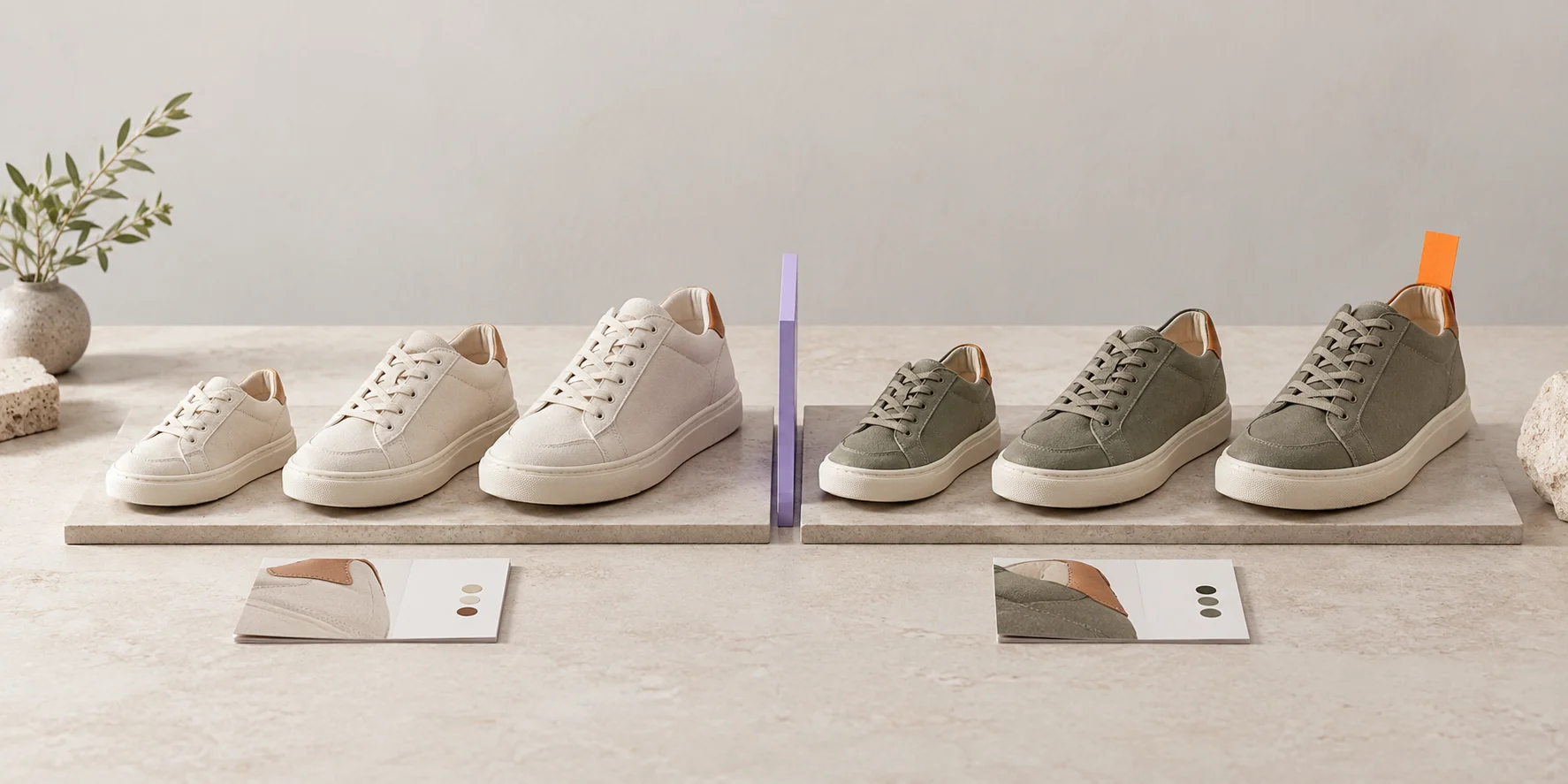

Product variants are purchasable versions of the same underlying product, such as one shoe model offered in different colours and sizes. The SEO decision is how shoppers select those versions, which URLs represent them, and whether each page has a distinct purpose. Creating an indexable page for every combination is not automatically the right answer.
Imagine a shoe shop selling one casual trainer in black and white, in three sizes. The store needs to keep the chosen item, its availability and its buying link consistent while avoiding six nearly identical pages that add no useful information.
Separate Variants From Different Products
Start with the catalogue. A black size-40 trainer and a white size-41 trainer may be variants of one model. A repair service, a cleaning kit and a bundle containing several items are different offers; grouping them as colour or size variants would misrepresent what the customer buys.
For each genuine variant, identify the attributes that change, its SKU or assigned identifier, image, price and availability. A shared product-group identity connects the versions, but does not erase their separate stock or purchasing conditions.
Choose the Page Model Before the Canonical
| Model | When it fits | What needs checking |
|---|---|---|
| One product page with selectors | The same product explanation serves the variants | Selectors, direct variant links and one intended canonical product URL |
| Distinct pages for meaningful versions | Versions need independently useful pages and direct purchase paths | Each page's purpose, content, canonical and full product information |
For the trainer, one page may be sufficient if colour and size change the selection without changing the underlying buying explanation. A version that needs substantially different specifications or buying advice may justify its own useful page. A different underlying model is a separate product, not merely another size or colour. Base the decision on the catalogue and the shopper's needs.
A canonical identifies a preferred search URL; it does not select the right item or correct the cart. Our canonical URL guide covers that distinction.
Make a Direct Variant Link Select the Correct Item
A path or query parameter can identify a variant, for example /products/casual-trainer/?colour=black&size=40. Treat this as an illustrative address, not a prescribed platform format. Opening it should select the black size-40 item with the corresponding image, price, stock and add-to-cart choice.
A URL fragment such as #black does not create a separately indexed product URL. It can still serve an interface purpose, but should not be used as a substitute for the destination your product data requires.
Test links from a fresh browser view rather than only after using a selector. A page that opens on the default white shoe while a product listing advertises black creates a customer and data problem, even if the URL contains the word “black.”
Align Canonicals With the Chosen Model
For a consolidated single-page product group, use the intended base product URL as the canonical and keep its supporting signals consistent. Selector URLs can still take shoppers to the correct version; a distinct selection URL does not necessarily need its own indexable search result.
For a genuinely multipage product group, Google's documentation does not define one overall canonical for the whole group. Evaluate each page's canonical and independent usefulness. Do not automatically canonicalise every page to the first colour while expecting all versions to remain separate search pages.
Check internal links and the sitemap against the same decision. If the store adds category filters as well, use our faceted-navigation guide; a filter-results page and a purchasable product variant have different jobs.
Describe the Product Group and Its Offers
Google supports ProductGroup structured data for related variants. The group can describe the shared identity and what varies, while individual products carry their own identifiers, attributes and offers. Relevant properties include variesBy and hasVariant; they should describe the real catalogue.
Give every variant a unique SKU or assigned GTIN. Identify the shared group with productGroupID on ProductGroup or inProductGroupWithID on its Product variants. If both properties are supplied, their values must match.
On a multipage implementation, each relevant page needs sufficiently complete markup to stand on its own. Do not assume Google will assemble missing essential facts from several other pages. Keep important product information available in the delivered page and check what your platform actually outputs.
Use the product structured-data guide for eligibility and validation. Passing a markup test does not verify stock accuracy or guarantee a particular search appearance.
Keep Merchant Data Attached to the Actual Variant
When submitting variants to Merchant Center, each item needs a unique stable ID and the appropriate shared group ID. The buying link should preselect the advertised item. Use the matching image, price, availability and applicable manufacturer identifiers; do not reuse another size's barcode.
Current product-data rules include group and variant attributes that depend on the catalogue and destination. Follow the account's requirements for item_group_id, item_group_title, variant_option and applicable attributes such as colour and size. Do not upload a non-purchasable parent as if it were an additional real offer.
The feed's optional canonical_link associates an item with a preferred search URL; it is different from the link that the shopper opens. A consolidated group may share a canonical while retaining accurate variant buying links. Our Merchant Center guide covers the wider submission workflow.
Check One Product Group End to End
Before applying the pattern across the catalogue, verify one complete group:
- Open every advertised variant link directly on desktop and mobile.
- Compare the selected attributes, image, price and stock with the inventory record.
- Confirm that adding the item to the cart preserves that selection.
- Inspect the canonical and important delivered product information.
- Validate the relevant structured data and compare it with submitted product data.
- Record which URLs are intended for search and which only preserve a buying selection.
Keep a mismatch record with the variant ID, affected URL, incorrect value and system responsible. Fix the source of the disagreement, then retest the direct purchase path.
Frequently Asked Questions
Does Every Colour or Size Need Its Own Indexed Page?
No. Use separate pages when they have a meaningful independent purpose. A selection URL can identify the correct item without needing a separate search result.
Can Variants Share a Canonical URL?
They can in a consolidated single-page group. A genuinely multipage product-group implementation needs a different assessment; do not impose one group-wide canonical automatically.
What If One Size Is Out of Stock?
Show that variant's actual availability and preserve accurate selection behaviour. Decide the wider page's treatment separately; one unavailable size does not mean the entire model has disappeared. See the out-of-stock guide.
Does ProductGroup Markup Solve Duplicate Content?
No. It describes related products. URL purpose, canonical signals, useful page information and correct purchase behaviour still need to work together.