





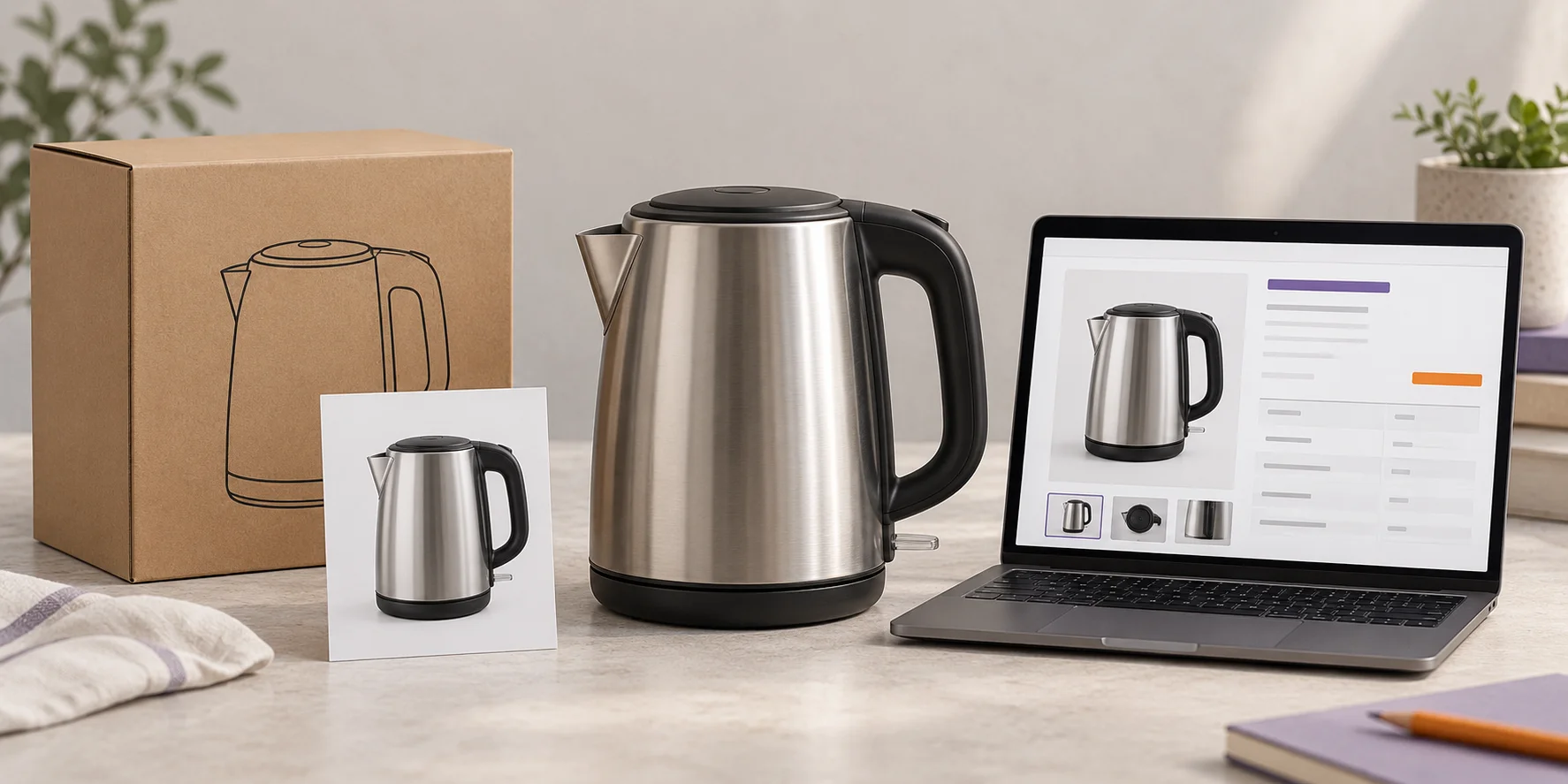

Google Merchant Center lets a retailer manage product information for Google's shopping surfaces. Free listings can make eligible products available for unpaid display; Shopping ads are a separate paid route. Accurate data is the starting point, and eligibility does not guarantee that a product will appear.
Imagine a Malaysian appliance shop preparing its first blender listing. The useful task is to connect one real product, its buying page and its delivery conditions—not to upload the entire catalogue before checking whether those details agree.
Check the Selling Path and Target Market
For an online product listing, a shopper needs a product-specific page and a working purchase process. A page that only says “WhatsApp us for a quotation” is not the same as an online checkout. Businesses selling from a physical shop may have a different local-inventory route; free local listings and online listings have separate requirements.
As checked on October 30, 2026, Malaysia and MYR are supported in Google's country and currency documentation. Language is another setting: the supported product-data language list includes English and Chinese, but does not list Malay. A three-language website does not automatically mean all three languages are supported for product-data submission. Choose a supported language and keep the product information, landing page and purchasing experience consistent with it.
Also check whether the product category is permitted, which market you sell to, and whether customers there can actually buy and receive it. Our ecommerce SEO guide explains how product discovery fits into the wider store.
Verify and Claim the Correct Store
In Merchant Center, review the business information and online-store address. The documented path is Settings → Business info → Edit online store. Verification establishes control of the website; claiming associates the store address with the Merchant Center account. Follow the method and permission requirements offered for your store.
Check whether Merchant Center already recognises your website ownership. Otherwise, supported methods can involve the platform, an HTML file or tag, or an eligible Analytics/Tag Manager setup. Use the actual verification instructions; do not add duplicate analytics code merely to obtain ownership proof. Keep the store on HTTPS.
Confirm the business identity, contact information, shipping terms and return policy before sending product data. The shopper should be able to find the same information on the website.
Prepare One Product Record
Start with one real, purchasable item. The worksheet below uses a blender as a teaching example; it is a preparation plan, not a feed ready to upload. Fill it with verified product and store facts.
| Record | What to prepare for the blender | Check against |
|---|---|---|
| Stable product ID | A unique catalogue identifier that remains attached to this item | Your inventory record |
| Title and description | The actual model, capacity and relevant product details | Packaging, manufacturer information and the visible page |
| Product link | The specific buying page, with the correct variant selected where applicable | The page a shopper opens |
| Image | A clear image of the actual product or selected variant | The physical item and image requirements |
| Price and currency | The current purchasable MYR price and applicable conditions | Product page and checkout |
| Availability | The item's real stock or supported preorder state | Inventory and checkout behaviour |
| Identifiers | Assigned brand, GTIN or other applicable manufacturer identifiers | Manufacturer or packaging |
| Delivery and returns | Supported destinations, charges, handling conditions and return terms | Store policies and checkout |
A GTIN is a manufacturer-assigned trade-item identifier, often shown with a barcode. Do not invent one, substitute your internal SKU or reuse a different variant's code. Some items genuinely lack assigned identifiers; use the relevant product rules rather than marking identifiers absent to hide missing information.
Requirements vary by product and market, so this worksheet is not a universal attribute list. If the blender has genuinely different purchasable variants, each needs its own accurate offer information. Our product-page guide helps prepare the customer-facing details.
Choose One Maintainable Data Source
Use a supported store connection, file, API or another method offered in your account. Choose the route that can keep prices and stock current. A small manual submission can help you understand one record, but becomes unreliable if nobody maintains it.
Decide which system owns each fact. For example, inventory controls availability, the pricing system controls the selling price, and the store's delivery rules control charges. Avoid two conflicting sources trying to maintain the same item without a clear update process.
Product structured data helps Google interpret the visible page. It is not interchangeable with every Merchant Center setting or a promise of approval. Keep markup and submitted data aligned; our product structured-data guide covers that layer.
Check the Buying Page and Checkout
Open the submitted product URL as a customer. Confirm that it loads publicly, shows the right item, and lets the shopper select and buy the advertised offer. Follow the purchase path far enough to verify delivery charges and the total without placing a real order unnecessarily.
If a variant URL advertises the black blender, it should open with that variant's image, price and availability selected. Check both mobile and desktop. Stock, currency, language and purchase conditions should remain consistent through checkout.
Use Needs Attention to Fix Specific Issues
Check Products → Needs attention for product or account issues. Read the actual affected item, attribute and destination. Correct the underlying store or data source, submit the appropriate update, and review the resulting status. Where a review is available, request it only after addressing the stated problem.
To inspect free listings, Google's documented route is Marketing → Marketing methods → Free listings. Accounts may differ in setup state and available options. A permitted destination or an approved item does not guarantee impressions, clicks or sales.
Keep a simple issue record: item ID, message, source of the incorrect value, person responsible and next check. This is more useful than repeatedly resubmitting an unchanged catalogue.
Measure Visibility and Maintain the Facts
Review the product performance available in Merchant Center, then examine visits and purchases in the store's permitted measurement setup. Keep free-listing and paid-ad results distinct. An impression is not a visit, and a visit is not an order.
For the blender, the ongoing job is to update real stock, prices, images and purchase conditions when they change. Include these checks in the same process used to update the store.
Frequently Asked Questions
Is Google Merchant Center Free?
You can use Merchant Center and eligible free listings without buying Shopping ads. Store operations, integrations and paid campaigns can still involve costs.
Can a Malaysian Store Use Free Listings?
Malaysia is supported, but the store, product, target market, language and purchase process must meet the applicable requirements. Check the specific destination and current account status.
Can I List a Product That Customers Can Only Order Through WhatsApp?
Do not assume that a quotation-only contact page meets online-listing checkout requirements. Review the actual buying path; local-inventory programmes are a separate possibility for eligible physical stores.
Why Is an Eligible Product Not Appearing?
Eligibility permits consideration, not guaranteed display. Check destination status, data and page accuracy, relevant performance reports and any account issues before concluding that a submission failed.