





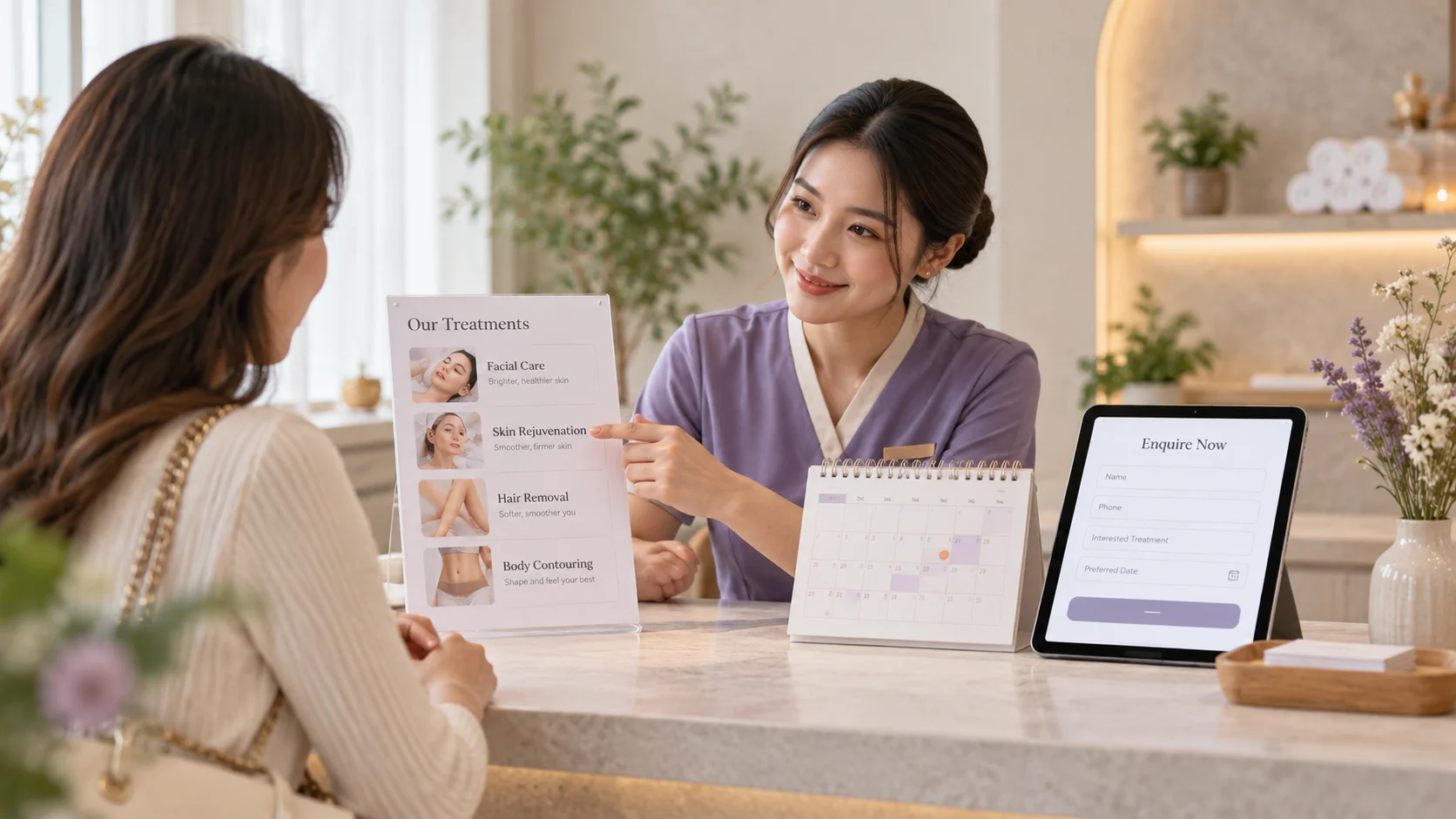

If a website gets visits but no enquiries, check the path from the landing page to a received enquiry. The problem may be the audience, missing service information, a broken contact control or an operational handoff. Start with evidence that separates those possibilities.
Imagine a beauty studio whose consultation page receives visits. The owner sees contact-button clicks, but the team reports few useful requests. Changing the button colour first would skip the more important question: where does the journey stop?
Define the Stages You Are Comparing
| Stage | What to examine |
|---|---|
| Relevant visit | A person reaches the intended service page with a plausible need |
| Contact action | A button click, form start or other measured interaction |
| Received enquiry | The request actually arrives in the intended inbox or system |
| Useful enquiry | The request fits the service, location and agreed business criteria |
| Booking | The customer and business confirm the appointment |
Record each stage using the appropriate source. Analytics can measure a website action; the inbox or booking system establishes receipt and booking. Avoid adding these counts into one total or calling every click a lead. Our events and key-events guide explains the measurement layer.
Check Which Audience Is Arriving
Start with the landing page and acquisition source. In Search Console, inspect the relevant page's available queries and country/device context. In GA4, compare landing page with session source/medium when examining sessions. Keep this separate from first-user acquisition, which describes how a user was first acquired rather than the source of each visit. Search Console does not expose every query, and a country is not a person's language or purchase intent.
For the studio, searches for jobs, training courses or free advice may have a different purpose from booking a consultation. Read the actual queries and page promise before calling the traffic irrelevant. A guide can legitimately attract early-stage readers; it simply needs a different next step from an appointment page.
Use our search-intent guide to decide whether the page answers the task that brought someone there.
Answer the Questions That Affect Booking
Read the consultation page as a first-time visitor. Can the person understand what is offered, where it is available, who it suits, how costs are determined and what happens after contacting the team?
The studio could explain the consultation's scope, location, booking process and any relevant exclusions. Use genuine information supplied by the business. If a price depends on an assessment, explain that process rather than publishing an invented starting price. Photos, qualifications and reviews should relate to the actual service.
Put essential conditions where the visitor needs them. A prominent booking link does little if the page leaves the visitor unsure whether the studio provides the service they want. Our service-page writing guide covers clear offers and useful next steps.
Test the Whole Contact Path
On a real phone, open the page from its normal entry point and try the contact process. Check the device and browser your visitors commonly use, then repeat on desktop. The test should cover the whole journey:
- Confirm the button is visible, understandable and leads to the intended destination.
- Check that form fields have visible labels, clear required-field rules and usable error messages.
- Verify that the page works with keyboard navigation and normal mobile input.
- For a form, confirm submission is accepted by the server and reaches the intended destination.
- For WhatsApp, check the destination account and prefilled text; opening the app alone does not confirm message receipt.
- Check what the customer sees next and who is responsible for responding.
If a real test message is necessary, coordinate with the receiving team and clearly label it as a test. Do not send customer details or message contents into Analytics. A browser success message and a recorded form_submit event are useful signals, but neither independently proves that the team's inbox received the request.
For the WhatsApp-specific implementation, use our click-tracking guide.
Check the Handoff After Receipt
Once requests arrive, inspect routing and response ownership. Is the correct team receiving them? Is anyone monitoring the inbox during the stated hours? Does the reply answer the visitor's question and explain the next step?
A studio may need a clearer consultation explanation or an easier way to request an appointment. It may also need to route enquiries correctly. Keep those possible explanations separate until the records support one. Do not infer that the website failed merely because a person did not book immediately.
Choose the First Evidenced Repair
Use a small issue log rather than a list of generic conversion tips. The entries below are illustrative diagnoses, not results from a client audit.
| Observed problem | What to verify | First repair if confirmed |
|---|---|---|
| The contact link opens the wrong destination | Actual mobile and desktop link target | Correct the destination and retest receipt |
| Visitors ask whether the service covers their area | Actual requests and visible page information | Clarify verified location and service coverage |
| Forms appear successful but requests do not arrive | Server handling, delivery logs and destination | Repair submission/delivery, then retest the full path |
| Requests arrive but nobody owns the reply | Routing and working-hours process | Assign responsibility and a usable handoff |
Add the affected page, evidence, owner, change date and next check. Prioritise a functional failure before polishing presentation.
Compare After the Change Without Overclaiming
Use comparable periods and record changes in channel mix, seasonality, device use and the offer. Look at relevant visits, received enquiries and bookings separately. If you cannot connect the records reliably, say so in the report.
A small business may not have enough observations for a useful A/B test. Begin with functional testing, genuine customer questions and clear issue records. A difference after an edit can guide investigation without proving the edit caused every change. Our measurement guide helps organise that report.
Frequently Asked Questions
Why Do Visitors Leave Without Contacting Us?
There are several possible reasons, including a different task, missing information or a difficult contact process. Inspect the actual landing pages and test the journey before choosing a fix.
Why Are Contact Clicks Higher Than Received Messages?
People can click repeatedly or leave before sending. Tracking may also duplicate interactions. Verify event behaviour and message receipt separately.
What Is a Good Enquiry Conversion Rate?
It depends on the defined action, audience, service and measurement quality. Compare your own consistent records before using a broad industry average as a target.
Should a Low-Traffic Business Run an A/B Test?
Only when the proposed test can produce useful evidence. With sparse data, fixing confirmed functional problems and checking real customer questions may be a better first step.