





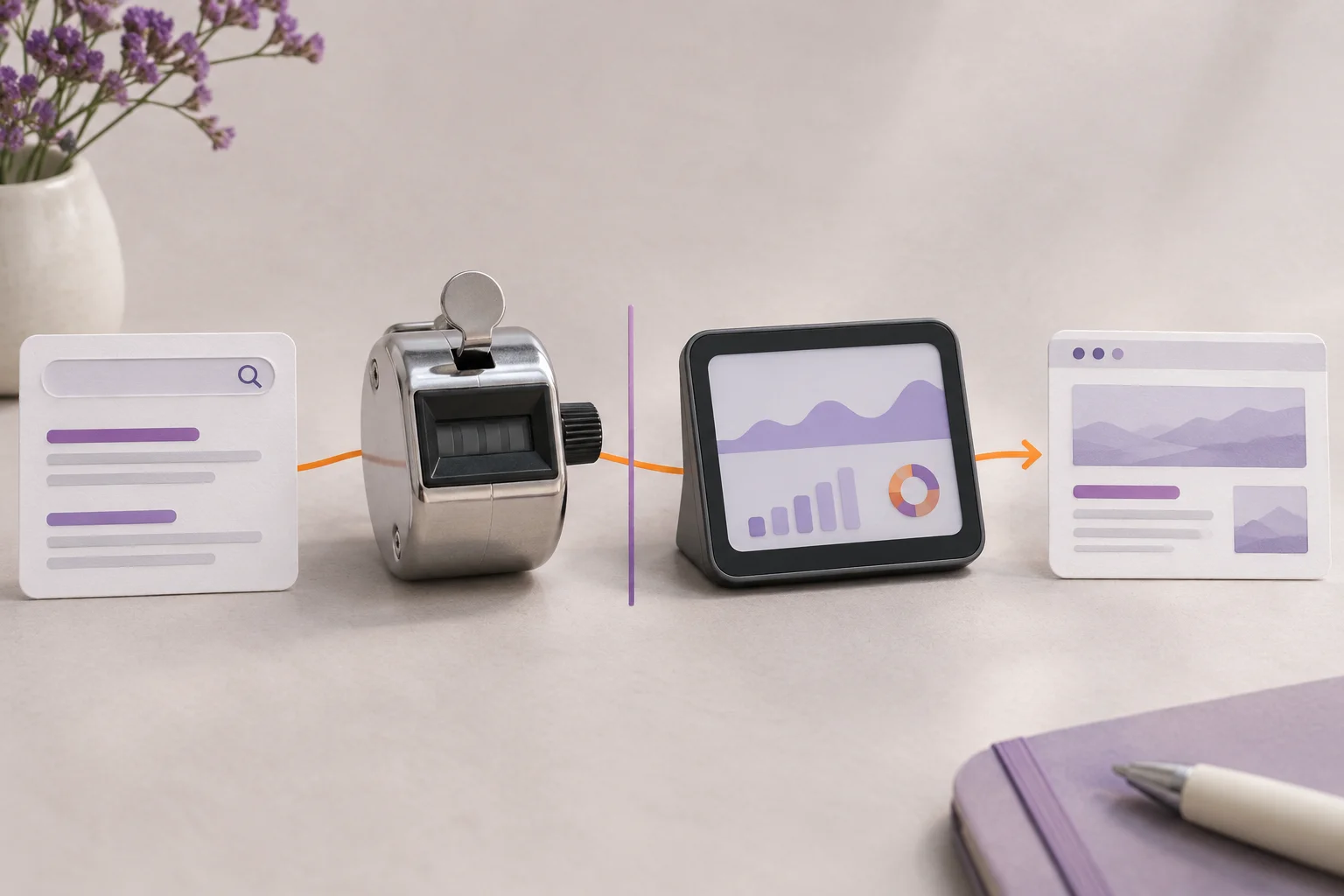

Search Console clicks and GA4 sessions are different measurements. Search Console records activity in Google Search. GA4 records activity on your website through its measurement setup. The totals can differ even when both systems are working.
The useful question is whether the difference follows from the scope and collection method, or whether a specific tracking problem is hiding visits. Comparing the right reports makes that distinction much easier.
Compare the Right Measurements
| Measurement | What it describes | What it does not establish |
|---|---|---|
| Search Console clicks | Clicks on your property from the selected Google Search surface | That the destination loaded and sent an Analytics event |
| GA4 sessions from google / organic | Website sessions attributed to Google's organic traffic under the selected reporting scope | A one-to-one count of Search Console clicks |
| GA4 key events | Recorded actions you have marked as important | That every action became a qualified enquiry or sale |
A person can click your result more than once during a session. Another can leave before the website's measurement loads. These journeys help explain why one click is not necessarily one measured session.
If you need the fundamentals first, see our guides to Search Console metrics and organic traffic in GA4.
Align the Scope Before Diagnosing a Fault
In GA4, open the Traffic acquisition report and use Session source / medium to inspect google / organic. Read Sessions rather than Users or Views. Use the Landing page report when narrowing the check to entry pages; the navigation grouping depends on your published reports.
- Match the website. Check which Search Console property and GA4 web stream you are using. A Domain property can include subdomains that your selected Analytics setup does not measure.
- Match the period. Use completed dates and allow for reporting delays. Search Console's usual daily reports use Pacific Time, while GA4 uses its configured property time zone. A late-night visit can therefore fall on different dates.
- Match the source. Compare with session source
googleand session mediumorganic, rather than every session in the Organic Search channel. - Match the search surface. Note whether Search Console is showing Web, Image, Video or another search type. Do not silently compare a narrower surface with a broader Google traffic total.
- Match the page group. Compare equivalent landing pages and languages, including any subdomains or URL changes.
Use session-scoped acquisition dimensions for this task. A first-user source answers how someone was originally acquired, which is a different question from the source of the session being compared.
Recognize Differences That Are Expected
Even after aligning the reports, collection can differ. Consent choices, browser settings, blockers and an early departure can limit website measurement. Some Analytics reports can also include modeled information, depending on the property's configuration.
Page attribution can differ too. Search Console generally assigns performance to the canonical URL, while GA4 measures the page the visitor actually reaches. Redirects and language routes can therefore split page rows differently. Parameters also matter when the chosen GA4 page dimension includes the query string.
Check whether the difference is persistent across the site or concentrated in a device, language or page template. That distribution is more informative than asking whether the two grand totals are identical.
Investigate a New or Concentrated Gap
Start with a place where the pattern changed. If Google clicks remain steady while measured sessions fall immediately after a website release, inspect the pages and tracking affected by that release.
| Pattern to investigate | First checks |
|---|---|
| One template or language is missing visits | Correct Google tag, container, web stream and consent behavior on those pages |
| A gap begins after redirects or a domain move | Actual destination, property coverage, canonical mapping and tracking at the final URL |
| Only the newest dates differ strongly | Processing time, preliminary data and date boundaries |
| GA4 is unexpectedly high | Other search surfaces, source classification, unwanted traffic and session settings; inspect duplicate measurement as well |
| Clicks and sessions both fall | Search demand, visibility and website availability, not only tagging |
A duplicate page-view tag can inflate views or events without creating the same increase in sessions. Keep the metric you are diagnosing explicit when deciding whether a duplicate explains the problem.
Use Tag Assistant to inspect the intended page and GA4 DebugView to check your own debug activity. Test under a known consent choice, check the expected stream, then compare ordinary reporting after processing. One successful test confirms that path, not the capture of every visitor.
Work Through One Page Group
Consider a repair business with English and Chinese service pages. If both languages still receive Google clicks but only the Chinese landing pages disappear from GA4, review the Chinese template before rewriting content across the site.
Open one affected URL on a phone, follow its redirects, inspect the active measurement setup and compare with an equivalent working English page. Check the consent state and whether the page sends events to the intended property.
If the missing template tag is confirmed, fix that issue and record the release time. Existing missing observations do not become new collected events simply because future collection is repaired.
Report the Difference Usefully
Keep two lines in the report: Google Search clicks for visibility and google / organic sessions for measured website visits. Add the chosen dates, page scope and any known collection limitation.
Then read business actions separately. For a lead-generation site, confirmed form-submission tracking helps distinguish reaching the website from successfully sending an enquiry.
You do not need the totals to match before using them. You need to know what each total represents and investigate changes that the normal measurement differences do not adequately explain.
Frequently Asked Questions
Is Search Console Different From Google Analytics?
Yes. Search Console describes your presence in Google Search, while Analytics describes measured activity on your website. They answer related questions at different stages of the journey.
Will Connecting Search Console to GA4 Make the Numbers Match?
No. Linking the properties makes selected Search Console reports available in Analytics, but it does not change how clicks or sessions are collected.
What Percentage Difference Is Acceptable?
There is no universal percentage that proves tracking is correct. Establish the normal pattern for a comparable scope and investigate unexplained changes or missing page groups.
Do I Need Both Tools?
They are useful together when you want to understand discovery and on-site outcomes. Search Console alone cannot show whether a visitor completed your website's enquiry path.