

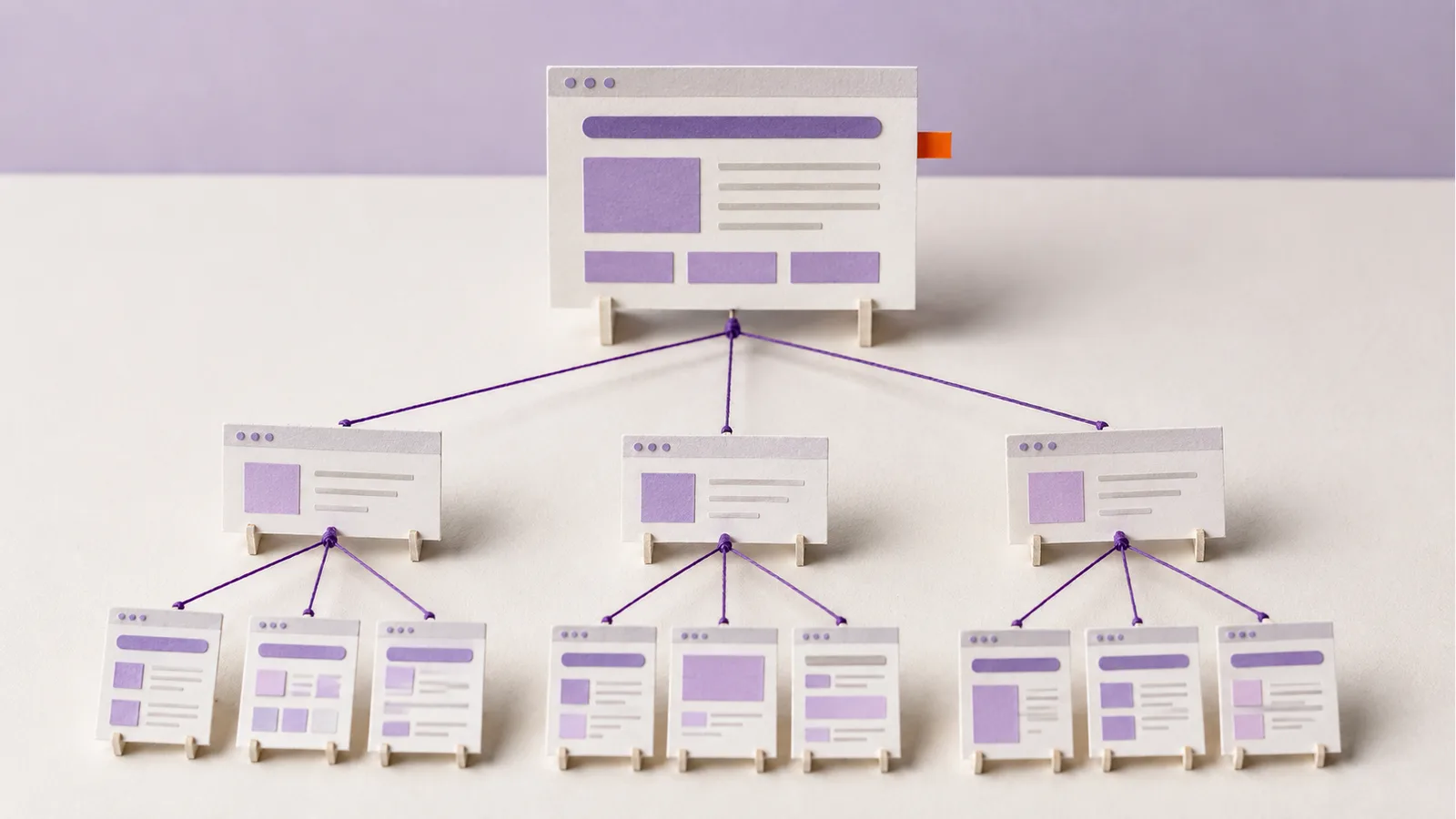
Suppose a Malaysian appliance shop has three useful guides: measuring a laundry area, comparing washing-machine capacity, and checking delivery terms. How can it connect them for someone choosing a machine? A pillar page can answer the broad question and lead to the details.
What Is a Pillar Page?
A pillar page is a broad guide to one subject that explains the main decisions and links to more focused pages. For the appliance shop, “How to Choose a Washing Machine for Your Home” could be the overview. The measuring, capacity and delivery guides would cover questions too detailed for one introduction.
The overview must answer the broad question itself. A bare list of links is not a guide, and a product category page has a different job: helping shoppers browse items for sale. A pillar page is one part of a site structure, not a replacement for menus or categories.
Choose a Topic With a Clear Boundary
“Home appliances” covers too much for one practical guide. “Choosing a washing machine for a Malaysian home” is narrower: a reader can expect help with space, load capacity, installation and delivery before comparing models.
Look at customer questions, relevant searches and pages you already own. Confirm that several distinct questions belong under the broader decision. If a topic has only one short answer, one page may be enough. Audience research can help separate observed concerns from assumptions.
Make the Overview Useful on Its Own
Start with a direct answer. Then explain the few decisions that shape the choice. In the washing-machine guide, a reader should leave knowing what dimensions to measure, how to read a model's stated load capacity, and which delivery or installation terms to confirm with the seller. Use the manufacturer's specifications and the shop's actual terms; do not recommend a model from an invented test.
Use short sections and descriptive headings. Give a first-time reader enough to understand each decision, then link to a deeper answer where needed. Page length follows the subject; there is no required word count.
Give Deeper Questions Their Own Pages
A supporting page should resolve a distinct question. “Measure a laundry space before ordering” can cover the route through the doorway, available connections and clearance specified by the manufacturer. “Compare washing-machine capacity” can explain a model's stated load capacity without promising that one size fits every family. A separate delivery page is useful only if the shop can state its real delivery area and conditions.
Do not split one answer into thin pages to increase the link count. If a supporting page repeats the overview, combine or rewrite it.
Connect the Pages in Both Directions
Link from the overview where a narrower question arises: “Check the measurements before comparing models” is more helpful than “click here.” On the measuring guide, link back to the overview when readers need the wider buying decision. Add links between supporting pages only when the next question follows naturally.
These links help people move through related material and help search engines discover pages. They do not guarantee that a page will be indexed or ranked. Our internal-linking guide explains how to check the paths through a site.
Review the Cluster as the Site Changes
After publishing, open the guide on a phone and follow its links. Each page should answer the question promised by its link, with an easy path back to the overview. When products or installation terms change, update the affected page and overview. Remove links to withdrawn models or outdated terms.
Frequently Asked Questions
What Is an Example of a Pillar Page?
A washing-machine buying guide can explain the main choices and link to separate, useful pages about measuring space, comparing capacity and checking delivery requirements. The guide still needs to answer the broad question itself.
What Is the Difference Between a Landing Page and a Pillar Page?
“Landing page” can mean any page someone arrives on, or a campaign page designed for one action. A pillar page is defined by its editorial role: it gives a useful overview and connects deeper answers. A pillar page can also be a landing page in analytics; the terms are not mutually exclusive.
Does a Pillar Page Have to Be Long?
No fixed length makes a page a pillar. Cover the main decisions clearly and send detailed questions to pages that answer them well. Do not add sections merely to reach a target word count.