






A new thumbnail gets more clicks, but the viewers leave sooner. YouTube Studio’s A/B test can help you compare what happens after the impression. Start by writing down which change you want to learn from.
Choose a title, thumbnail or pair test
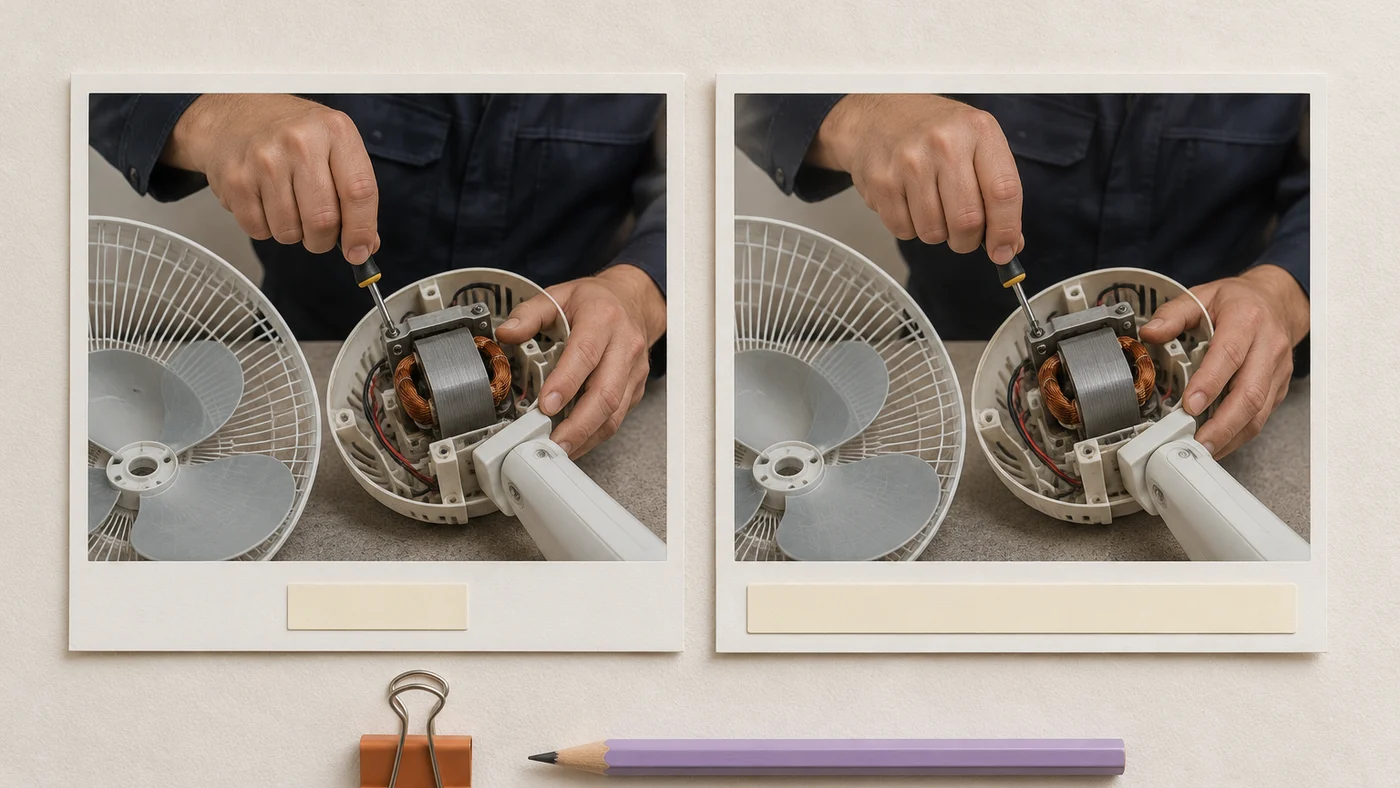
For a title test, keep the thumbnail fixed. For a thumbnail test, keep the wording fixed. If you change both, the result compares combinations. For example, a repair shop could use the same fan photo and compare “Why Your Fan Starts Slowly” with “Fan Starts Slowly? Check These Two Parts.” Use both titles only if the video actually covers two diagnostic checks. Keep the picture identical to isolate the wording. See our YouTube SEO guide for how to frame a title around what viewers expect.
On desktop, open YouTube Studio, choose Content, then open the video. Select A/B Testing in the title or thumbnail area. Choose Title only, Thumbnail only or Title and thumbnail, then enter up to three options. Advanced features are required, and Shorts are ineligible.
Read watch time share alongside CTR
Watch time share compares the viewing time associated with each variant as a share of the variants’ combined viewing time. Take this invented two-thumbnail comparison. Both options get 1,000 impressions and all measured views in the example come from those impressions.
| Option | Impressions | CTR | Average time watched | Total watch time | Share |
|---|---|---|---|---|---|
| A | 1,000 | 8% | 5 min | 400 min | 42.6% |
| B | 1,000 | 6% | 9 min | 540 min | 57.4% |
A gets 80 views and B gets 60. B generates more watch time. That arithmetic explains how B can lead on watch time despite fewer clicks. Only the actual Studio report can tell you whether YouTube found a winner.
Read and record the platform result
- Record the video, the changed element and the exact option order. Put your preferred fallback first. YouTube uses the first option when there is no clear winner.
- Let the test run. Making a manual title or thumbnail change during the test stops it. Open the video’s Details, or Analytics → Reach, to see the result.
- Use the Studio label. Winner indicates a clear result by watch time share. Performed Same means there was no clear distinction; Inconclusive means the test lacked strong evidence to separate the options. Write down the narrow takeaway. A title-only winner on one fan repair video gives you an idea to test on another repair video. A combined winner tells you which pair worked on this video.
If you need to know whether search or another source brought viewers in, use the separate YouTube traffic-source reports.
Frequently asked questions
How long does a YouTube A/B test run?
It can finish in a few days or take up to two weeks. Impressions, how recent the video is and similarities between options can affect the duration.
Does the highest CTR win the test?
YouTube evaluates the test by watch time share. CTR helps you understand how often impressions led to views, while watch time also reflects what happened after the click.
Can I change the title and thumbnail together?
Yes. Use the combined mode to compare the whole package. To learn what a single change does, hold the other element fixed.