

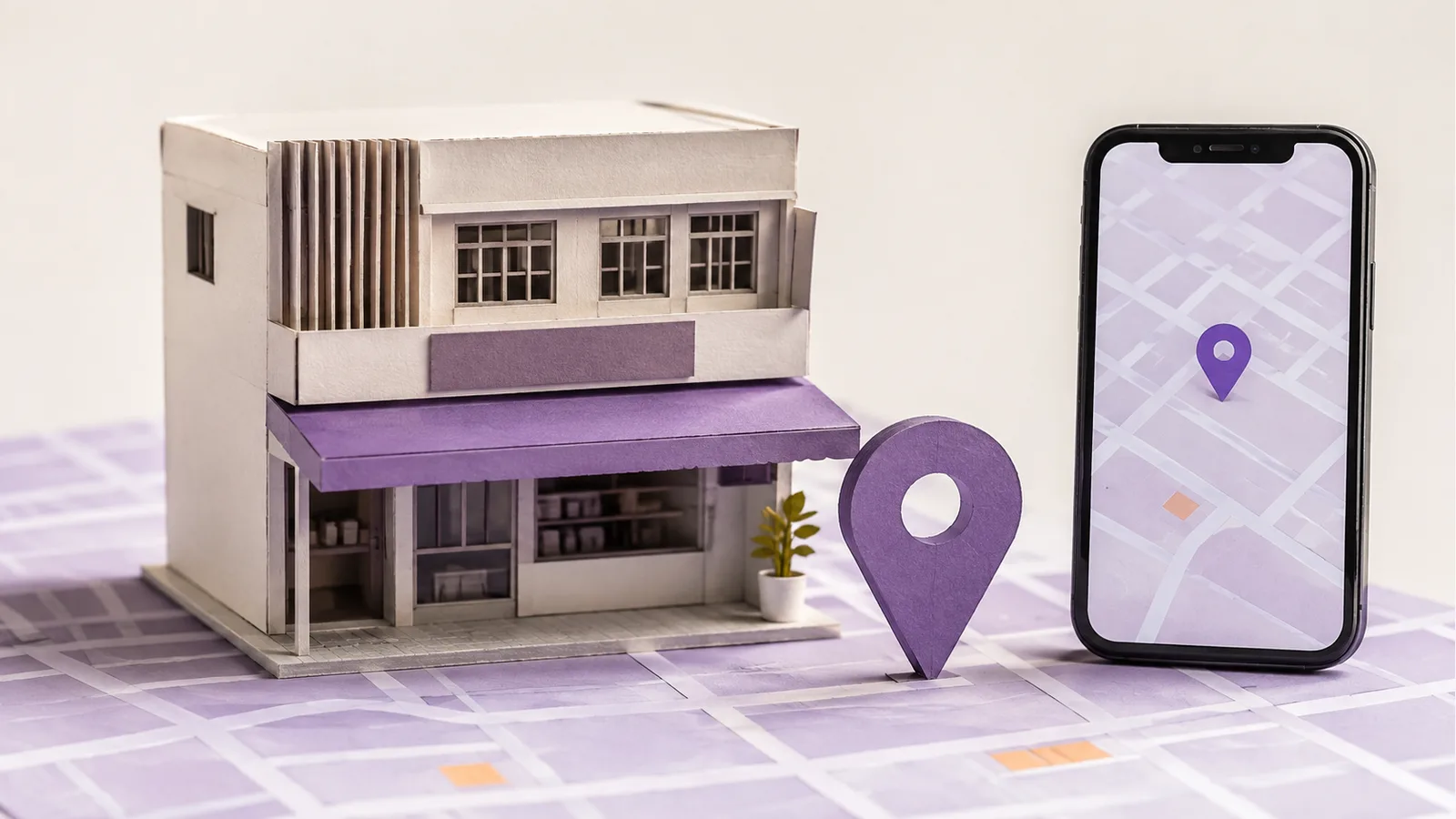
Small-business SEO helps relevant customers find useful business information in search and take the next step. A small team needs to focus on fewer pages and keep them accurate.
Imagine a family-run laundry shop in Shah Alam with a staffed counter and a website. This is a hypothetical example, not a client project or traffic claim. Customers need to know what it handles, where to bring garments, when it opens and how to ask about a service.
What Is Small-Business SEO?
SEO helps search engines discover, understand and show useful pages for relevant searches. For a small business, the work usually begins with service or product pages, search access, accurate business details and a usable contact or purchase route. A blog is optional; it cannot make up for a missing service answer. The goal is qualified discovery, not the largest possible traffic graph.
Small-business SEO is not the same as local SEO. Local SEO concerns searches where place matters. A shop or a business that visits customers may need it; an online-only seller may focus instead on product and category pages for a wider market. Both can be small businesses. If the laundry later sells care products nationwide, product pages answer a different task from its location page. Our local SEO guide covers the place-specific work in more detail.
1. List the Customer Tasks Before the Keywords
Ask what a customer is trying to decide: Does the laundry handle a particular item? Is same-day service available? Where is the counter? What affects the price? Record questions the business actually receives. Then search those topics from the market you serve: are results mainly local listings, service pages, product pages or how-to guides? Search Console queries, if available, are clues, not a complete record of demand.
Group questions that need the same answer. The laundry may need one clear garment-care service page and one location page; it does not need a new page for every synonym of “laundry Shah Alam.” A dry-cleaning page is useful only if its offer and customer decision differ.
2. Make the Main Pages Useful Before Adding More Content
A service page should state what is offered, any important exclusions, the area served, how pricing works and how to enquire. For this laundry, one page could distinguish wash-and-fold from dry-cleaning and explain when an item needs an in-person assessment. If price depends on material or condition, say so instead of inventing a fixed rate. The location and contact details should agree with what customers see elsewhere. On a phone, a visitor should be able to find hours, tap a contact link and understand the next step.
Use a descriptive page title and visible heading. Explain the service in ordinary language before adding promotional claims. Relevant photos may help show the counter or process, but do not fabricate reviews or before-and-after results. Our on-page SEO guide covers the page elements.
3. Check That Important Pages Can Be Found
Link to the main services and location from normal navigation, and link a useful care guide back to the relevant service. Check that the live pages load and work on a phone. In Google Search Console, inspect an important URL and see whether Google reports it as indexed. If it is excluded, diagnose the reason; do not assume every excluded URL is a problem. A sitemap can help discovery but does not guarantee indexing or a particular ranking.
Fix the actual barrier before chasing more keywords. A blocked service page, broken booking button and hidden navigation need different fixes. The SEO checklist provides a wider technical review.
4. Use a Google Business Profile Only When Eligible
A staffed laundry shop that serves customers at its stated location may be eligible for a Google Business Profile. Keep its name, address, hours, phone number and category accurate. If hours change for a holiday, update them. A service-area business that visits customers can also be eligible, but must follow Google's address-display rules. An online-only business without in-person customer contact is generally not eligible; creating a fake location is not a workaround.
Google says local results are mainly based on relevance, distance and prominence. There is no paid shortcut to a better local ranking. Ask customers for honest reviews without offering rewards, selecting only happy customers or writing reviews yourself. The profile should help customers confirm the business; it cannot replace clear service pages.
5. Earn Relevant Mentions Instead of Buying Links
Relevant local directories, suppliers, community organizations or editorial coverage can help people discover the business. Check whether the listing is accurate and whether the reference fits the audience. A generic package of hundreds of links is not a substitute for a genuine relationship, and buying links to manipulate ranking breaches Google's spam policy.
The laundry could publish a care guide drawn from questions it actually answers, then share it where useful. Do not publish an invented case study or a page written only to earn a link. For the distinction between useful and suspicious references, see our backlink quality guide.
6. Add Supporting Content for Real Questions
Once the core service pages work, write about decisions they cannot fully answer. A garment-care guide can explain how to read a care label and when to seek professional cleaning, if the business can verify the advice. Link it to the appropriate service page when that is a useful next step. Do not turn one customer question into many near-identical city pages or mass-produce articles with no first-hand value.
Content is useful when it resolves a question and stays current. If the business cannot maintain a blog, a short, accurate service-page FAQ may be better.
7. Measure the Customer Route, Not Just Rankings
Record the pages changed and the date. In Search Console, compare relevant queries, impressions and clicks for the same pages over comparable periods. Write down the date and scope of each edit so the comparison has context. In business records, separately check calls, enquiries, bookings or sales. Search Console does not tell you which click became a customer, and one ranking screenshot cannot establish cause. Seasonal demand and changes in opening hours can also affect the result.
If the page gets relevant visits but customers still ask whether a garment is accepted, improve the service answer. If it is not indexed, investigate access. If visitors reach the page but cannot contact the shop, fix that path. For deciding which of those jobs should happen first with limited time, use our small-business SEO priorities guide.
Frequently Asked Questions
How Do You Do SEO for a Small Business?
Start with the main customer tasks, improve the pages that answer them, confirm those pages are accessible in search and keep contact details accurate. Add local profile work only if the business is eligible, then measure useful enquiries as well as search visits.
Is SEO Worth It for a Small Business?
It can be when customers search for the products or services and the business can maintain useful pages. Assess the time and cost against actual enquiries or sales rather than assuming a ranking will pay for itself.
Can I Do SEO on My Own?
Yes. An owner can clarify pages, check Search Console, keep details current and test the customer path. Get specialist help when a technical problem or migration exceeds the team's skills.
Does Every Small Business Need a Google Business Profile?
No. Google Business Profiles are for eligible businesses with in-person customer contact during stated hours. An online-only business without that contact should focus on its website and appropriate sales channels instead.