






Start by deciding how shoppers should find the product. Shopify has separate controls for search visibility and storefront listings. A product can be absent from search and still open from its direct URL.
Choose which places should stop showing the product
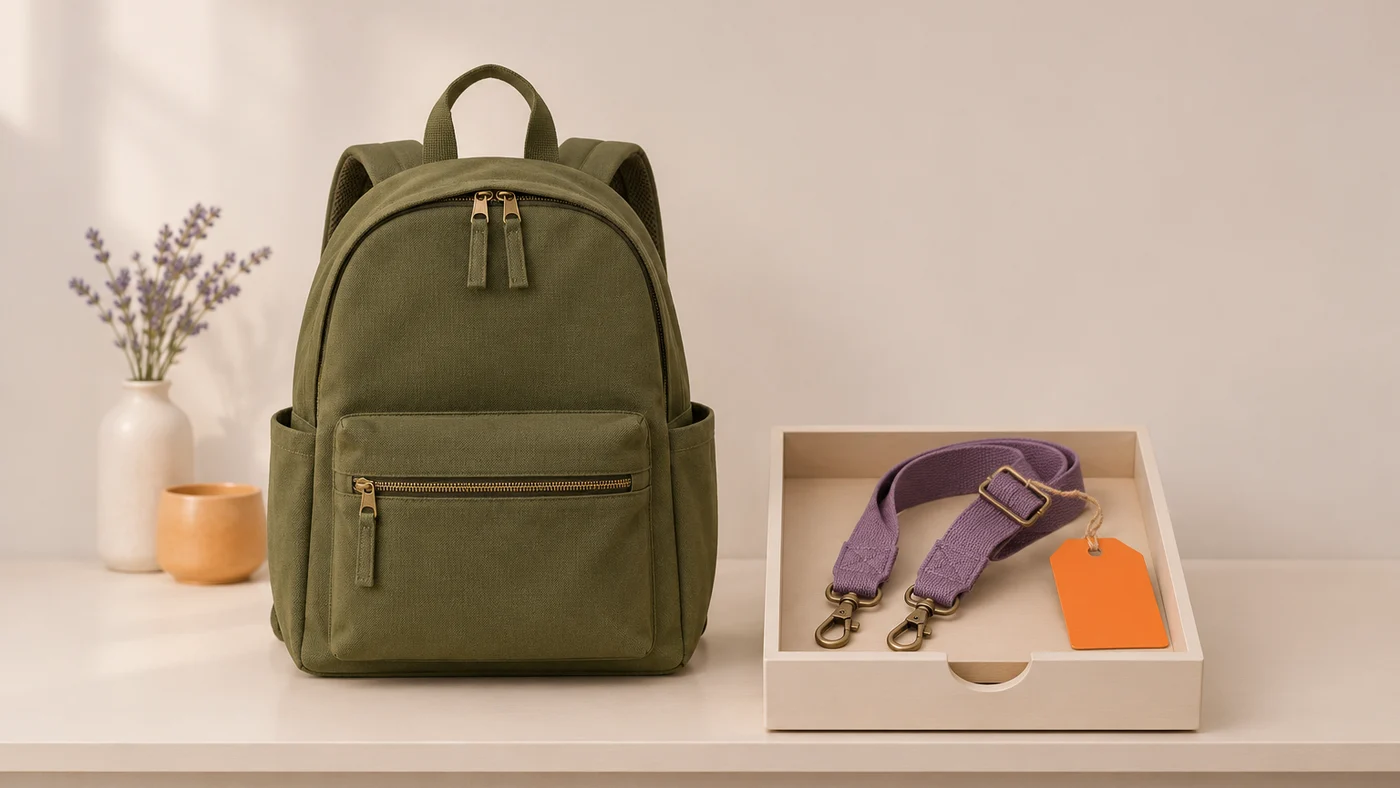
In a worked example, a Petaling Jaya bag shop wants to sell a replacement shoulder strap through links it shares after a customer asks for one. The shop wants the strap absent from product search and collections. It also needs the existing product link to keep opening the right strap.
| Setting | What happens on a standard Shopify store |
|---|---|
Product-specific noindex meta tag | Asks search engines to exclude the page once they read the directive. Shopify’s storefront search can still show the published product. |
Metafield seo.hidden set to 1 | Hides the product from search engines, the Shopify sitemap and storefront search. It can still appear in collections. |
| Unlisted status | Hides the product from search engines, the sitemap, Shopify-powered storefront search, collection pages and recommendations. The direct URL remains available in the online store when the product is published there. |
For the strap example, choose Unlisted. If the product should stay in a collection, use the metafield option instead and check the collection.
Verify the exact product from a shopper’s session
- In Shopify admin, open the product and set its status to Unlisted. Save it and copy its existing storefront URL.
- Open the URL in a signed-out browser. If the strap should be orderable, check that you can select the right option and add it to the cart.
- Search for the strap by name in both the search page and predictive search. Open its old collection. Then find the product sitemap from
/sitemap.xmland check for the exact product URL.
If you use apps for search or recommendations, test their output too. Apps that do not support Unlisted can still show the product. Shopify’s documented behaviour applies to its own search and recommendations. If it is gone from the sitemap but still in Google, check the page’s robots instruction and whether Google has seen it. Use the URL Inspection guide to check the existing indexed record and the live response.
Frequently asked questions
Is an unlisted product private?
No. Anyone with the working product URL can reach it. Use an access control if it must be limited to approved customers.
Can I keep a product visible in storefront search but exclude it from Google?
A product-specific robots meta instruction can do that. See indexing and noindex for the crawl requirements.
What happens if an unlisted product also has the SEO Hidden metafield?
If the hidden metafield value is 1 and the status is Unlisted, Shopify gives the status priority for display and discovery. Test the storefront surfaces you use before assuming an app follows the same rule.