






Search Console’s Video indexing report counts indexed pages where Google found a video. If the URL is missing, check whether the page is indexed and whether Google detected its video. If the URL is listed as No video indexed, read the reason for that page in the report. Start with the page in URL Inspection before changing the video.
Read the status of one page
Open Video indexing, choose a reason and select an example URL. Write down the reported reason and the video or thumbnail URL if shown. Use this table to decide what to check on that page.
| What you find | What to check next |
|---|---|
| The page is missing from the report | Inspect the URL. If it has been indexed, look for a Video indexing section in the indexed inspection result. Use a live test to check detection on the current page. |
| Video is not the main content of the page | Decide whether visitors primarily come to watch the video. |
| Google reports a player or thumbnail problem | Check when the player appears and whether Google can fetch the thumbnail. |
Decide whether the URL is a watch page
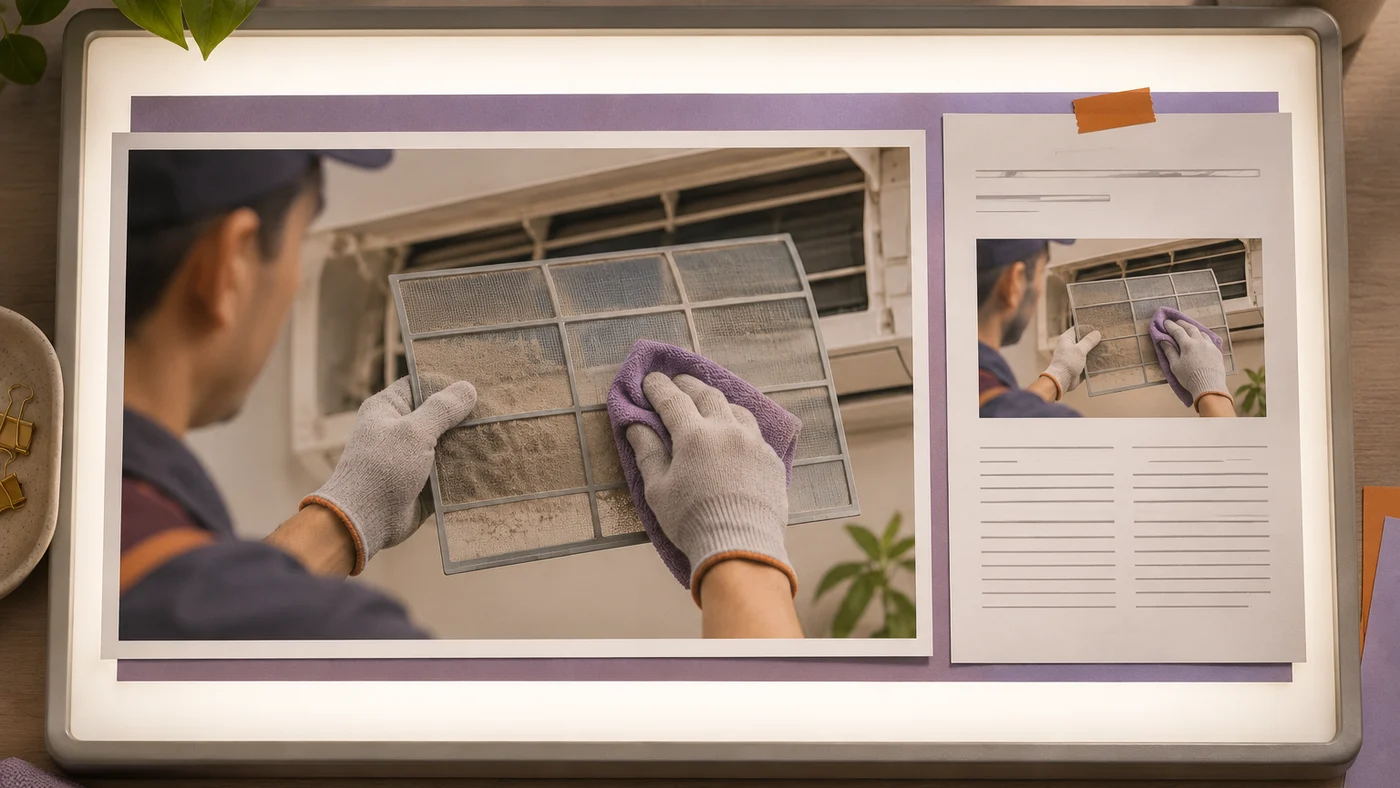
Suppose a Petaling Jaya air-conditioning business embeds a filter-cleaning video in two places. Its written maintenance guide answers the question in text and uses the clip to illustrate one step. On a second page the same clip is the main reason to visit, with a visible player and a short description. The guide can still be useful in ordinary search. Keep the written guide for people who want the instructions. Diagnose the dedicated watch page if you also want readers to find the clip as a video result.
On the watch page, check that the player is visible without a prior click or swipe. In URL Inspection, run Test live URL and use View tested page to check the screenshot and rendered HTML. The live test can detect a video, while the indexed result tells you whether Google indexed it. See the video content guide for planning a page around a clip.
Test the player and thumbnail separately
Check the thumbnail URL shown for the affected video. The URL should stay stable and return the intended image publicly. If it is served from another host, check that host’s crawler access. When several sources describe the same clip, compare the thumbnail in the player, the video sitemap and VideoObject if used.
If the video appears only after interaction, make the player discoverable on load and run the live test again. Save the initial reason and the fix. When Google recrawls the URL, compare the new indexed date and video status with that first record. Once you have fixed the affected pages for a shared issue, start Validate fix in the report when available.
Frequently asked questions
What does video indexing count in Search Console?
The report counts indexed pages on which Google detected a video, including pages whose detected video could not be indexed. It accounts for at most one indexed video per page.
Can a page with a YouTube embed qualify?
Yes. An eligible watch page can use a hosted embed. Keep the player discoverable and make the video the main reason to visit.
Does a successful live test mean my video is indexed?
A live test checks the current page. Check the indexed inspection result or Video indexing report after Google recrawls it.