





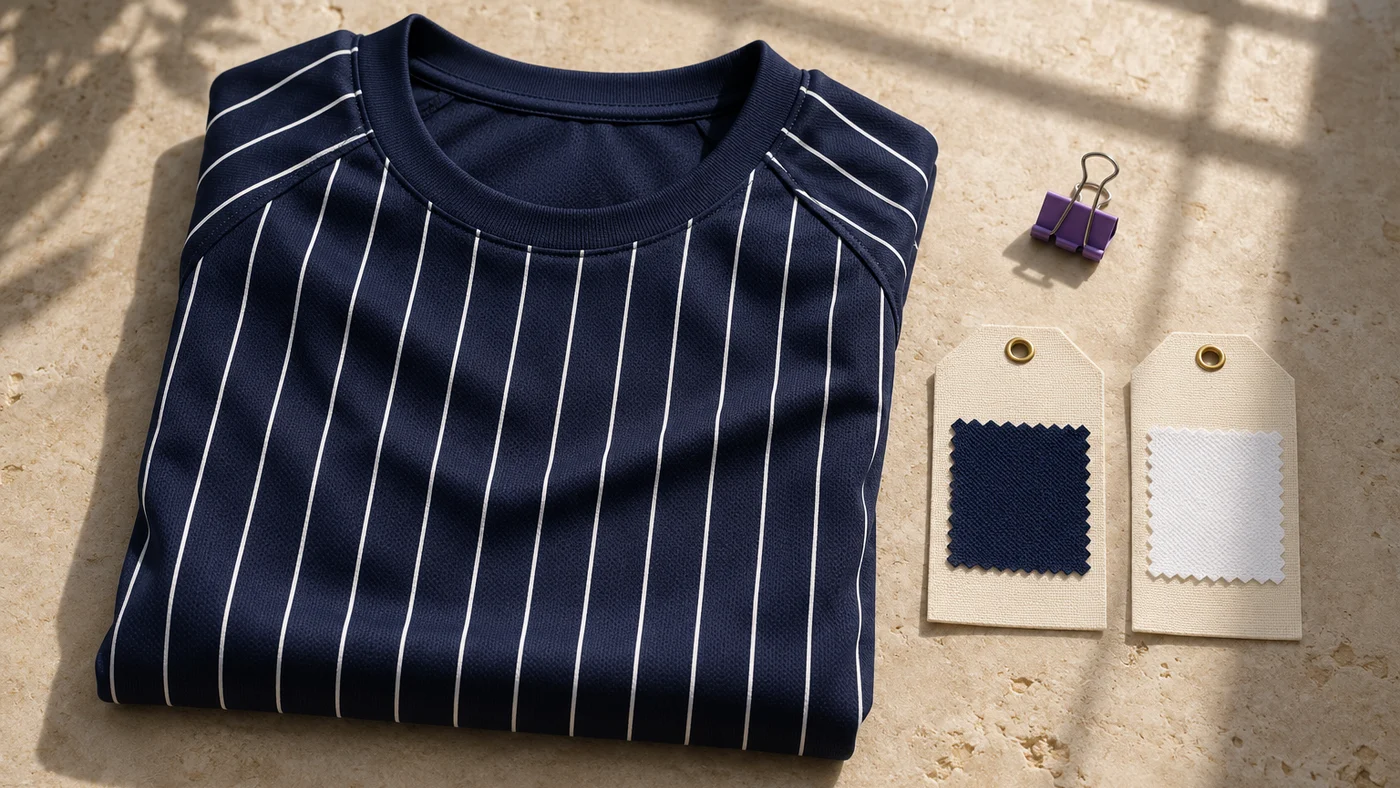

Your store sells a navy top with white stripes, a solid navy top and a solid white top. Each is a separate selectable variant. Only the striped top has two colours on a single item. Match the feed row to what is actually selected and pictured.
Decide whether it is one colourway or a choice of variants
In Google Merchant Center, use color to describe the colours on the item a customer can buy. For one multicoloured item, Google allows a primary colour and up to two additional colours separated by slashes, with the primary colour first. For separately selectable colours, use separate offer rows. Related offers in the same variant family can share item_group_id. See our item group ID guide for the grouping check.
Compare three sample offers
SEOWithJack compared fictitious feed rows with product cards for a Malaysian sportswear store. The Navy / White option is one striped top. Navy and White are separately selectable solid options of the same model.
| Selected option | Expected colour value | Expected photo |
|---|---|---|
| Navy / White | Navy/White | Navy top with white stripes |
| Navy | Navy | Solid navy top |
| White | White | Solid white top |
The first draft row used Navy,White and linked to the solid navy photo. The local comparison flagged both. We corrected the colour value and the image_link for the striped offer. This check compared mock feed rows and product cards locally. No offer was submitted to Merchant Center.
Verify one offer from page to feed
- Open the destination URL on the feed row and note the exact variant a buyer sees selected. Check the label for that colourway.
- Compare the primary image and colour value with that same selection. If the selected option is right but the submitted photo shows another colourway, correct the image URL on that row and leave the other offers intact. Our Merchant Center image check explains how to verify the file at the stated image address.
- After processing, revisit the same item ID in Merchant Center and check which product values it received. Follow its product link again and confirm the selected option, label and primary photo still agree.
Frequently asked questions
How do I submit multiple colours on one item?
Put the primary colour first, followed by up to two secondary colours separated by slashes. Submit the colours visible on that particular offer.
Can I combine separate Navy and White options into one row?
Submit an individual row for each purchasable option. Give each row the colour and primary image for that exact choice.
What if the variant name is right but the image is wrong?
Check the feed’s primary image URL and the photo shown for that specific product selection. Fix the layer that serves the wrong photo.