





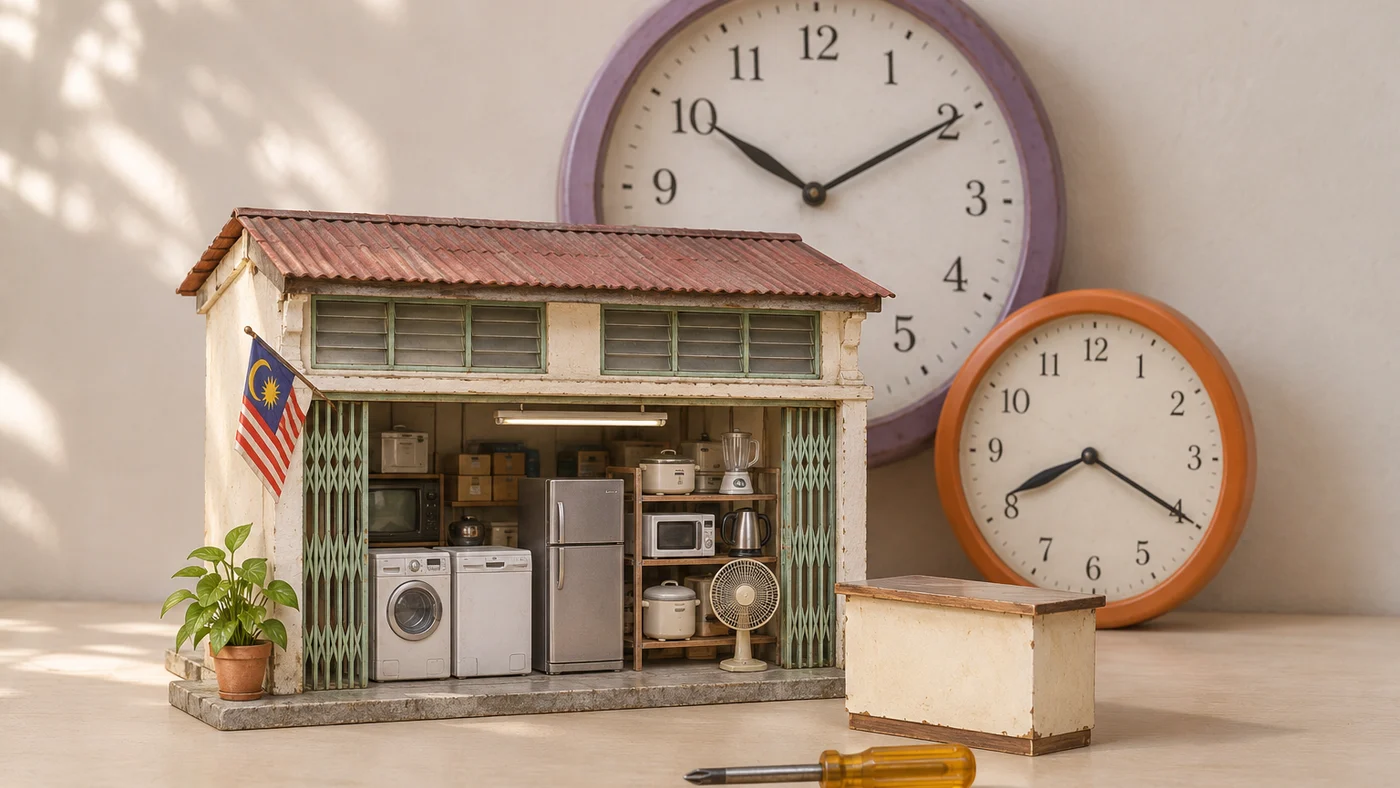

A customer arrives at an appliance shop on Saturday with a mixer to repair. The shop is open and selling appliances. The repair counter closed on Friday afternoon. If the location page shows only the shop’s hours, the customer has no way to plan the trip.
Write the two schedules customers need
In this fictional Petaling Jaya shop, the showroom opens Monday to Saturday, 09:00–18:00. The repair counter accepts drop-offs Monday to Friday, 10:00–16:00. Put both schedules beside their service names on the location page. On the repair booking or drop-off page, show the counter hours next to the directions.
Give the counter its own hours in the markup
On the parent store, put the showroom schedule in openingHoursSpecification. Inside department, give the repair counter a separate hours entry. Google asks for the store name followed by the department name unless the department has its own distinct brand. Here the two names are Kedai Contoh and Kedai Contoh Repair Counter.
This excerpt shows the names and recurring hours only. In the complete LocalBusiness data, include the context and actual address details for the entities you describe. Replace the fictional names and published times before using it.
{
  "@type": "Store",
  "name": "Kedai Contoh",
  "openingHoursSpecification": {
    "@type": "OpeningHoursSpecification",
    "dayOfWeek": ["Monday", "Tuesday", "Wednesday", "Thursday", "Friday", "Saturday"],
    "opens": "09:00:00", "closes": "18:00:00"
  },
  "department": {
    "@type": "LocalBusiness",
    "name": "Kedai Contoh Repair Counter",
    "openingHoursSpecification": {
      "@type": "OpeningHoursSpecification",
      "dayOfWeek": ["Monday", "Tuesday", "Wednesday", "Thursday", "Friday"],
      "opens": "10:00:00", "closes": "16:00:00"
    }
  }
}
Check when the two schedules disagree
Start with a visit that matters to a customer. On Tuesday at 17:00 the showroom should still sell a replacement mixer, but the counter should decline a repair drop-off. Then check a weekday afternoon when both are open and a Saturday when only the shop opens. All times below are local.
| Local time | Showroom | Repair drop-off |
|---|---|---|
| Tuesday 09:30 | Open | Closed |
| Tuesday 15:30 | Open | Open |
| Tuesday 17:00 | Open | Closed |
| Saturday 11:00 | Open | Closed |
Our local check read the weekly ranges on both objects and compared them with these four expected visits. If Saturday incorrectly allows drop-off, inspect the days on the nested object first. A validator can accept a correctly formatted Saturday entry even when the counter staff do not work that day.
Frequently asked questions
What does department markup tell Google?
It identifies a department within the business and can describe its own hours or phone number. Search appearance remains Google’s decision.
Does this change the hours on my Google Business Profile?
This check covers the location page and its markup. Review the profile separately. For supported service-specific hours on the profile, see Google Business Profile More hours.
What if the repair counter closes for just one holiday?
Keep its regular weekly hours and record the dated exception on the affected department. The dated closure example shows how to specify the first and last day.