





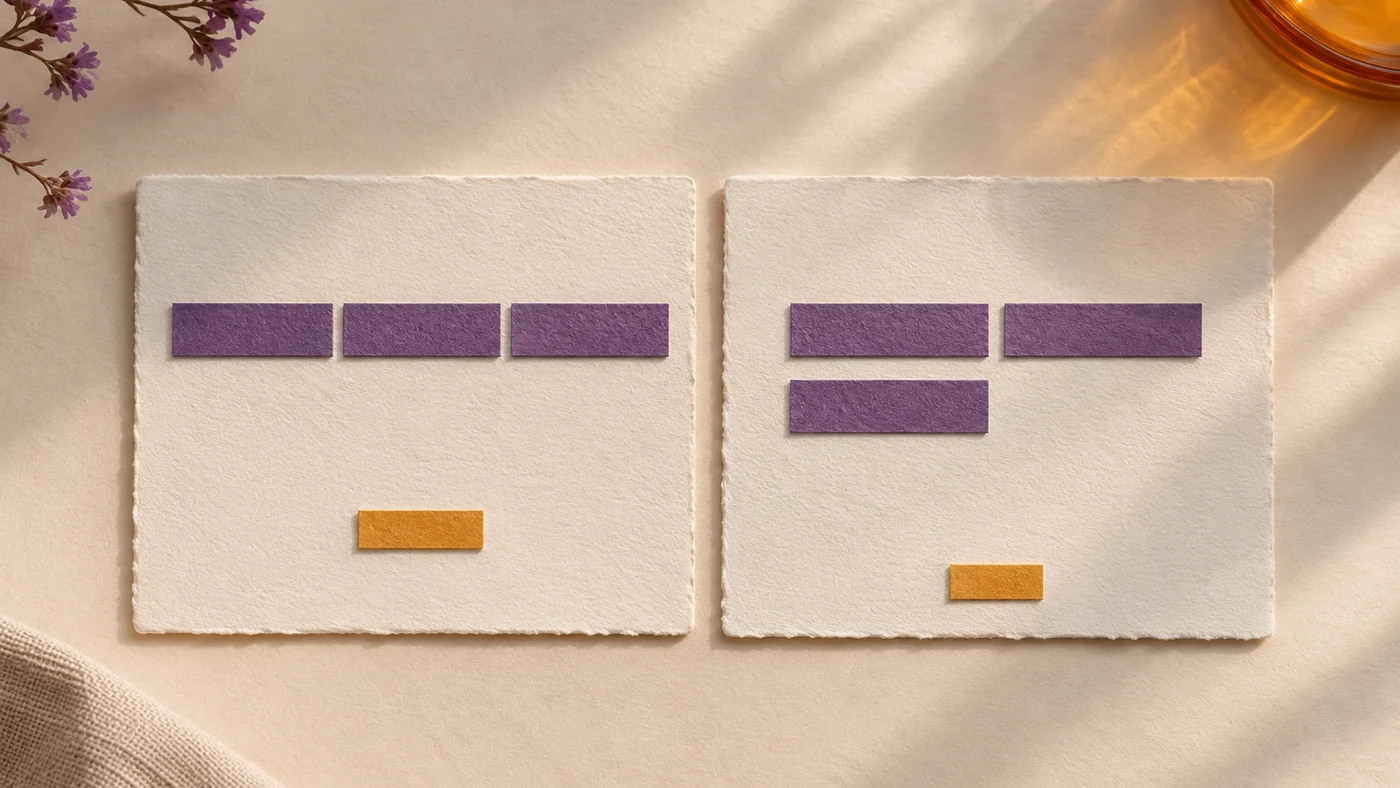

A heading can wrap differently after a web font loads. When the heading changes height, the content below it can move. Measure one heading and the next element at a fixed width to see whether the font is the cause.
Hold the text, width and spacing constant
Use one heading with a visible button beneath it. In Chrome DevTools, set a fixed responsive width. Disable the network cache, throttle if the change is too quick to see, and record a reload in Performance. Compare screenshots and any Layout shifts markers with the timing of the font request. Keep the text, container width, font size, weight and line height the same.
Our local kettle-guide fixture used a 390 px card with a 348 px content area. The heading “Find a kitchen kettle” used 32 px type and a 40 px line height. We switched between Courier New, Bitter and Arial in the browser to compare their geometry.
Measure the line count, heading height and button
| Font and test state | Lines | Heading height | Button top from card top |
|---|---|---|---|
| Courier New fallback | 2 | 80 px | 117 px |
| Bitter loaded | 1 | 40 px | 77 px |
| Arial as closer fallback | 1 | 40 px | 77 px |
When Bitter replaced Courier New, one line disappeared and the button moved up 40 px. We manually switched fonts after loading the web font to isolate the geometry. The 40 px result measures button movement. Use a normal load recording for the page’s CLS.
Compare a closer fallback and reserved space
Try a fallback that wraps like the loaded font. Arial matched Bitter at this test width. A fallback font-face can also be tuned with size-adjust and font-metric overrides. Check that the match still holds for other headings, narrow widths and translated text.
If the wrap varies and the design can afford an extra line of space, test a minimum heading height. Use a minimum, so longer text can still grow. In the same card, reserving 80 px kept the button at 117 px in both states. It also left space under the one-line heading. Compare the minimum-height and closer-fallback results at the same width. Then repeat with longer Chinese or Malay headings and adjacent mobile widths before choosing a fix.
Use the Core Web Vitals guide to interpret CLS, and the Search Console groups guide to see how field data is grouped.
Frequently asked questions
Can font-display swap cause a layout shift?
Yes. With font-display: swap, fallback text can be replaced by the web font. Different glyph widths and metrics can change line wrapping and move nearby content.
Will preloading the font fix the shift?
It can make a needed font arrive sooner. If a visitor still sees a fallback first, a mismatched font can still change the layout.
Does a 40 px movement tell me the CLS score?
No. Measure the loading behaviour in a performance trace. The displacement is a clue about one element, while CLS depends on eligible shifts and how much of the viewport they affect.